


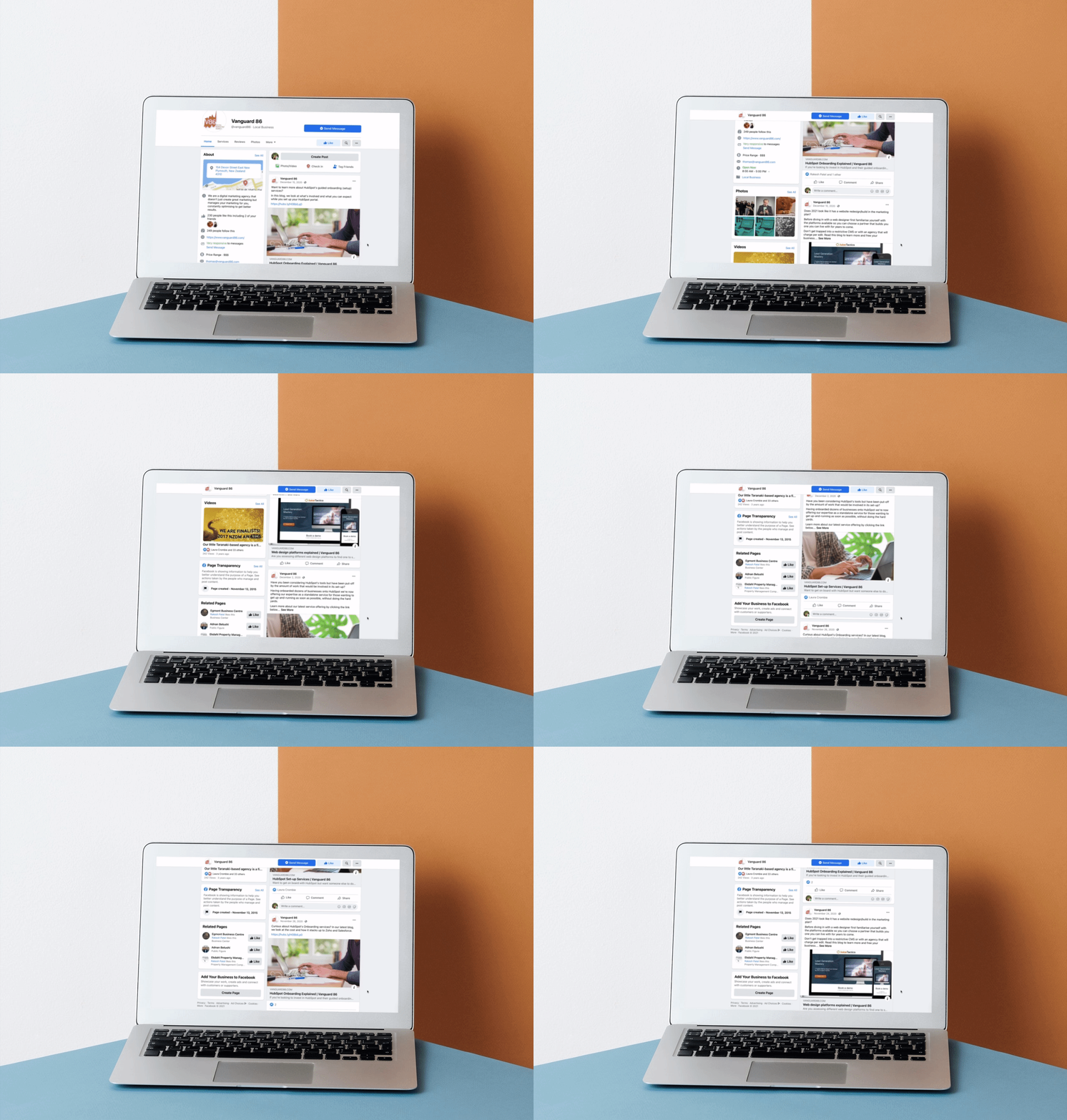
A Step-by-Step Guide for Brands & Entrepreneurs
Your Facebook Business Page is often the first impression customers have of your brand. Unlike a personal profile, a Business Page is designed for marketing, customer engagement, and online visibility—plus it’s free and integrates with Instagram, Messenger, and Facebook Ads.
Whether you run a bakery, consulting firm, or e-commerce store, this guide walks you through building a high-impact Facebook Business Page from scratch.
1. Create Your Page (It’s Free & Fast)
Go to facebook.com/pages/create and choose a category:
- Business or Brand (for products, services, or companies)
- Community or Public Figure (for influencers or nonprofits)
Enter your business name, category (e.g., “Coffee Shop” or “Digital Marketing Agency”), and click Create Page.
💡 Use your official business name for consistency across Google, Yelp, and other platforms.
2. Add Essential Branding Elements
First impressions matter. Upload:
- Profile picture: Your logo (recommended size: 170×170 px)
- Cover photo: A high-quality image that reflects your brand (820×312 px)—show your team, product, or storefront
Keep visuals clean, on-brand, and mobile-friendly (most users browse on phones).
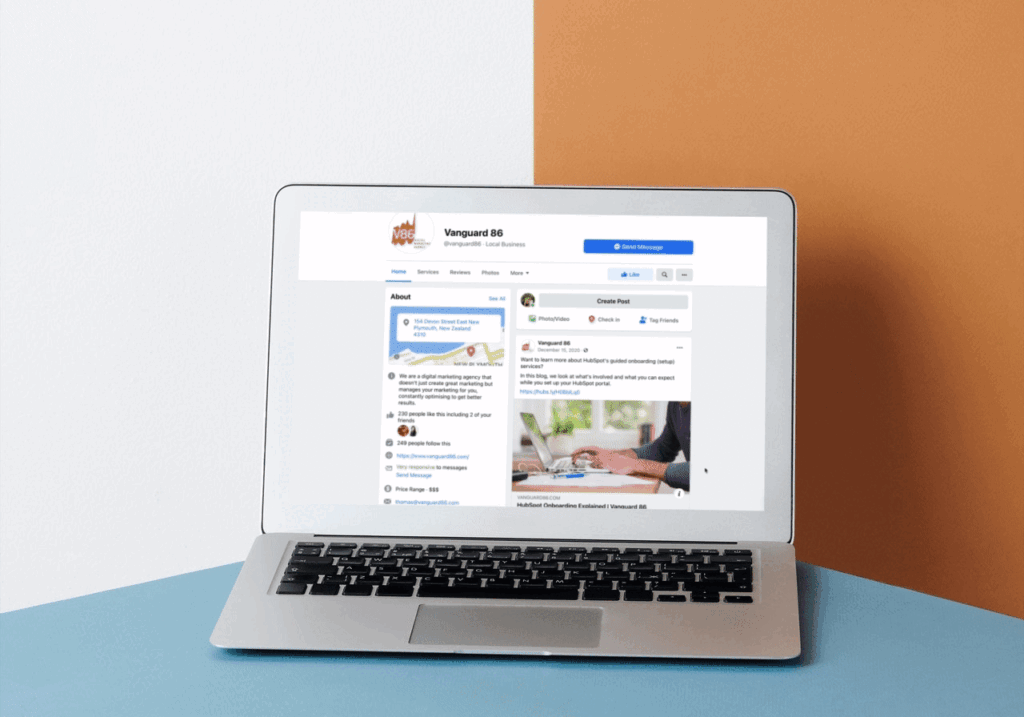
3. Complete Your “About” Section
This is your digital business card. Fill in:
- Description (1–2 sentences about what you do and who you help)
- Contact info: Phone, email, website
- Location (if you have a physical store)
- Hours of operation
- Price range (e.g., $$ for mid-tier services)
Use keywords like “organic skincare studio in Denver” to help local customers find you.
4. Create Your First Post & Pin It
Your first post should welcome visitors and explain what you offer. Examples:
- “We’re [Business Name]! We help busy moms eat healthy with 15-minute meal kits.”
- “Grand opening this Saturday! First 20 customers get a free latte ☕”
Then pin it to the top of your page so it’s always visible.

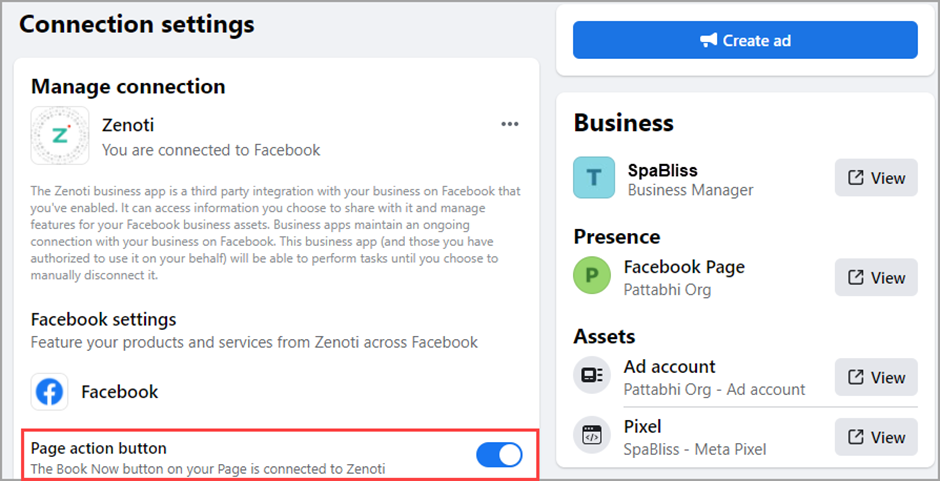
5. Add Action Buttons & Connect Tools
Use the “Add Button” feature to drive actions:
- Book Now (for appointments)
- Shop Now (for online stores)
- Contact Us (opens Messenger)
Also connect your Instagram account (Settings > Instagram) and set up Meta Business Suite for unified messaging and insights.
6. Publish Consistently & Engage
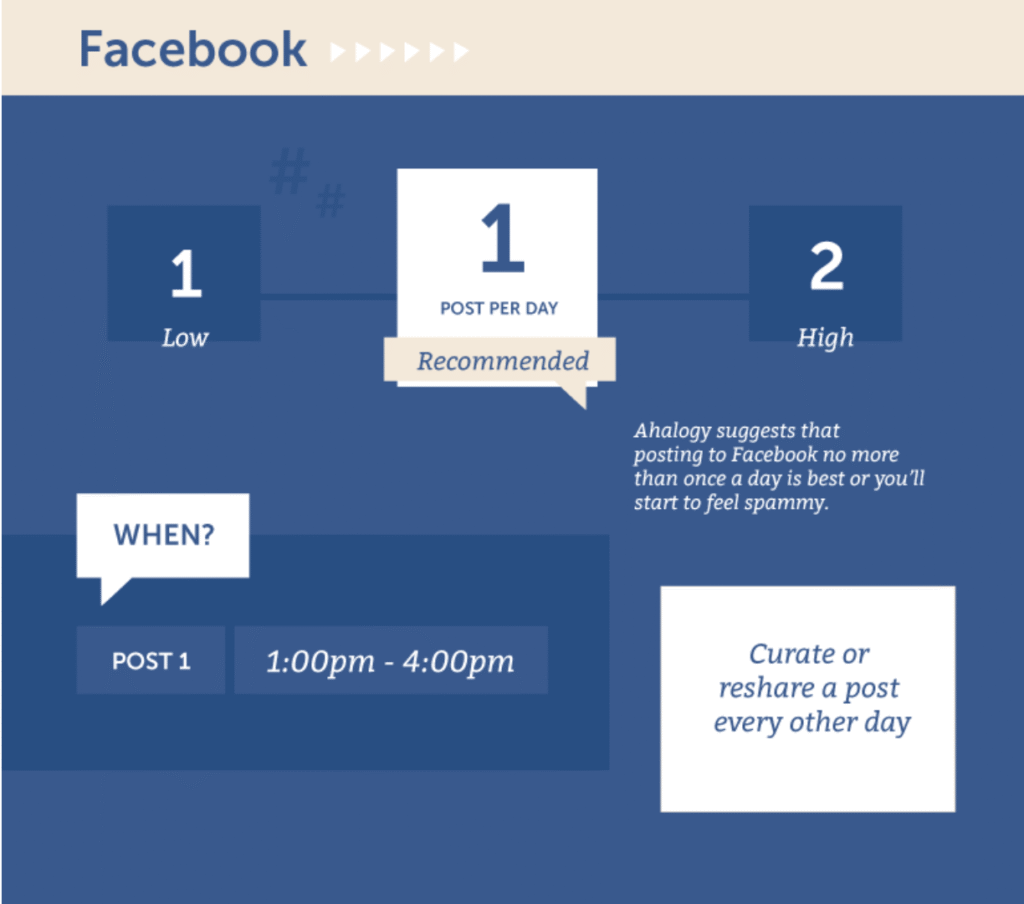
Post 2–3 times per week with a mix of:
- Behind-the-scenes content
- Customer testimonials
- Promotions or events
- Helpful tips related to your niche
Reply to every comment and message within 24 hours—Facebook rewards responsive pages with better reach.
FAQs
Q: Can I convert my personal profile into a Business Page?
A: No—but you can create a Page from your profile and invite friends to like it. Never use a personal profile for business; it violates Facebook’s terms.
Q: Do I need a personal Facebook account to manage a Business Page?
A: Yes. You’ll need a personal profile to act as an admin, but followers won’t see your personal info unless you choose to share it.
Q: How do I get more likes on my Business Page?
A: Share your Page link in email signatures, on receipts, and your website. Run a low-budget “Page Like” ad targeting local customers, and always encourage happy clients to follow you.