


A Quick, Foolproof Guide for Entrepreneurs
A well-built Facebook Business Page is more than just an online listing—it’s a 24/7 storefront, customer service hub, and marketing engine all in one. Best of all? It’s completely free and takes less than 20 minutes to set up. Whether you’re a local florist, freelance designer, or e-commerce brand, this step-by-step guide will help you build a page that attracts, engages, and converts visitors into loyal customers.
1. Create Your Page Using a Personal Account
You’ll need a personal Facebook profile to act as the admin (don’t worry—your personal info stays private).
Go to facebook.com/pages/create and select “Business or Brand.”
Enter your official business name and choose the most accurate category (e.g., “Restaurant,” “Photographer,” or “Online Retailer”).
✅ Tip: Use the exact name customers would search for—consistency builds trust across Google, Yelp, and social media.
2. Upload Professional Branding Assets
Your visuals create instant credibility:
- Profile picture: Your logo (170×170 px recommended). Keep it simple and recognizable—even at thumbnail size.
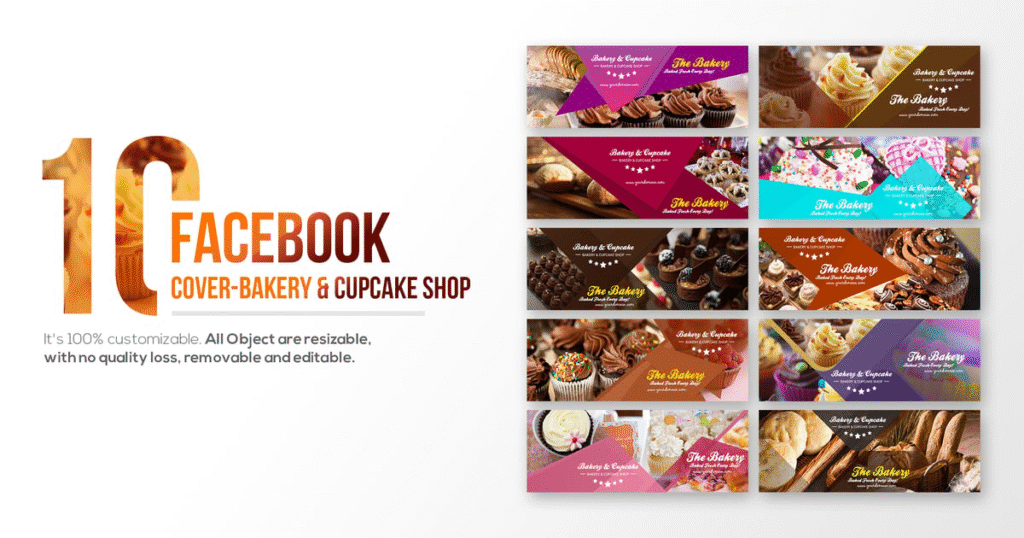
- Cover photo: A high-quality image that tells your story (820×312 px). Show your team, storefront, best-selling product, or a lifestyle shot of your service in action.
3. Complete Your “About” Section Thoroughly
This section appears in search results and helps customers decide to contact you. Fill in:
- Short description (1–2 sentences: who you help + how)
- Website URL
- Phone number & email
- Business hours
- Location (if applicable)
- Price range (e.g., , , $$)
Use keywords naturally: “Family-owned Italian restaurant in Chicago serving handmade pasta since 2015.”
4. Add a Call-to-Action (CTA) Button
Click “+ Add a Button” below your cover photo to drive action:
- Book Now (for salons, consultants)
- Shop Now (for online stores)
- Contact Us (opens Messenger)
- Sign Up (for classes or newsletters)
Link it to your booking site, online shop, or contact form.
5. Publish a Welcome Post & Pin It
Your first post should welcome visitors and explain your value:
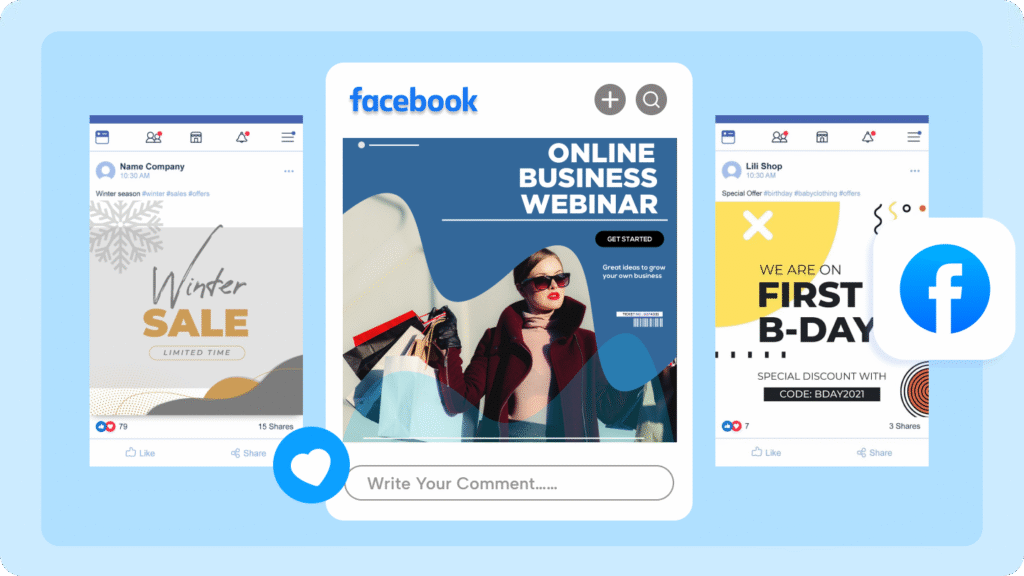
“Hi! We’re GreenScape Landscaping—helping homeowners in Austin create low-maintenance, drought-resistant yards. 🌿 DM us for a free quote!”
Then pin it to the top so it’s always visible, even as you post new content.
6. Connect Instagram & Set Up Messaging
In Page Settings, link your Instagram business account for cross-posting. Enable Instant Replies in Messenger to auto-respond to common questions (e.g., “Thanks for messaging! We’ll reply within 24 hours.”).
Finally, invite team members as admins or editors (Settings > Page Roles) so you’re not the only one managing it.
FAQs
Q: Can I use my business page without a personal Facebook profile?
A: No—Facebook requires a personal profile to create and manage a Business Page, but your personal activity remains separate and private.
Q: Is a Facebook Business Page free?
A: Yes! Creating and managing a Business Page is 100% free. You only pay if you run ads.
Q: How do I get my first followers?
A: Share your Page link in email signatures, on receipts, your website, and Google Business Profile. Ask happy customers to “like” your page—and consider a small “Page Like” ad targeting local audiences.