


A Beginner-Friendly Guide to Launching Fast
Your business web page is your digital storefront. It’s where customers learn who you are, what you offer, and why they should trust you. The good news? You don’t need to be a developer or spend thousands to build one. With today’s intuitive tools, you can launch a clean, functional, and search-friendly web page in under 60 minutes.
Here’s how to build a business web page that works—fast and effectively.
1. Choose a Simple Website Builder
Skip complex coding. Use a drag-and-drop website builder:
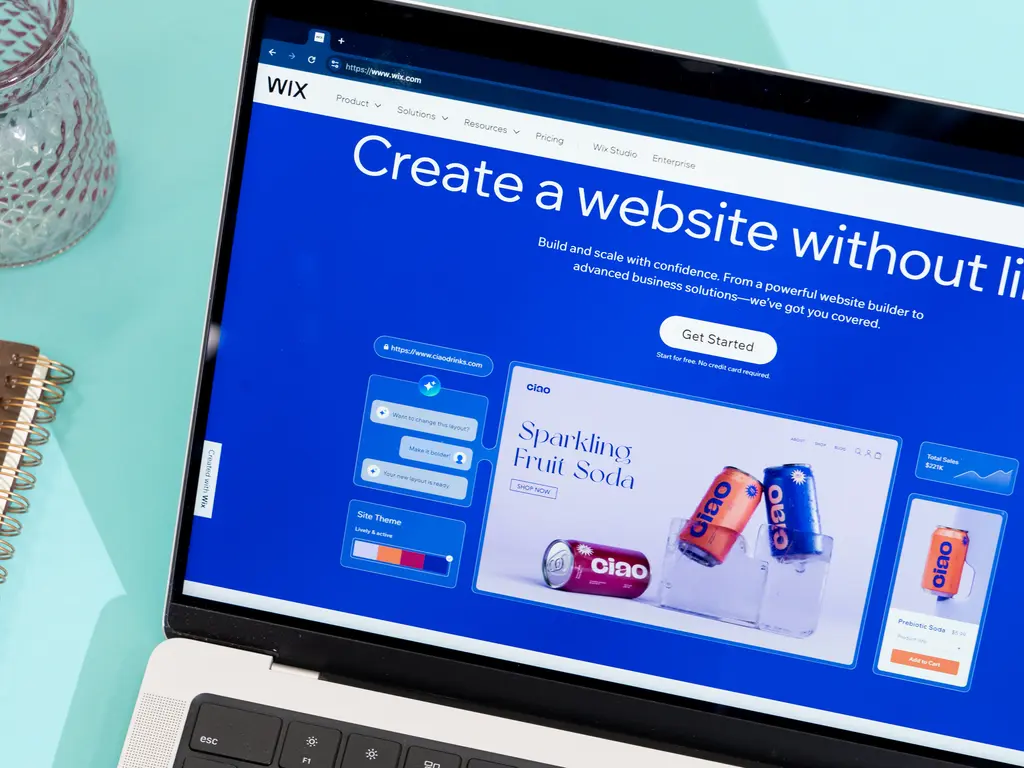
- Wix or Squarespace: Best for visual design and ease of use
- WordPress.com (not .org): Great for blogs + business sites
- GoDaddy Website Builder: Fast setup with AI assistance
- Google Business Profile: Free single-page site (ideal for local service businesses)
Most offer free plans or 14-day trials. Start there, then upgrade when you’re ready.
2. Pick a Domain Name & Connect It
Your domain (e.g., www.yourbusiness.com ) is your web address.
- Keep it short, memorable, and brand-aligned
- Use your business name if possible
- Buy it through your website builder (most include a free domain for 1 year with annual plans)
💡 Tip: Avoid numbers, hyphens, or confusing spellings—“BellaBakery.com” beats “B3llas-Bakery2024.com.”
3. Select a Professional Template
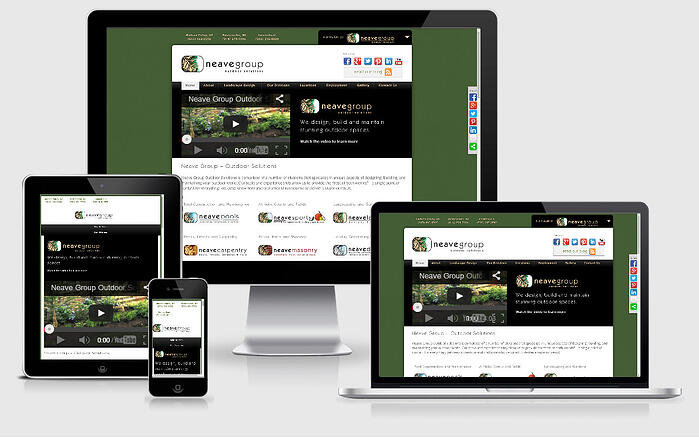
Choose a mobile-responsive template designed for your industry:
- Restaurant? Look for menus and reservation buttons
- Consultant? Pick a clean layout with a bio and contact form
- E-commerce? Ensure it supports product galleries and checkout
Customize colors and fonts to match your logo and brand.
4. Add Essential Pages & Content
Even a single-page site should include these key sections:
- Headline: Clear value proposition (“We Help Restaurants Reduce Food Waste by 30%”)
- About: Who you are + why you’re credible (1–3 short paragraphs)
- Services/Products: Bullet points or cards with brief descriptions
- Contact: Phone, email, contact form, and (if local) address + Google Map
- Call-to-Action (CTA): “Book a Free Consultation,” “Shop Now,” or “Get a Quote”
Keep text scannable—use short sentences, subheadings, and plenty of white space.
5. Optimize for Search & Trust
Boost visibility and credibility:
- Add your business name, city, and service in page titles and headings (e.g., “Plumbing Services in Austin | QuickFlow Plumbing”)
- Include real photos (not stock images) of your team, workspace, or work
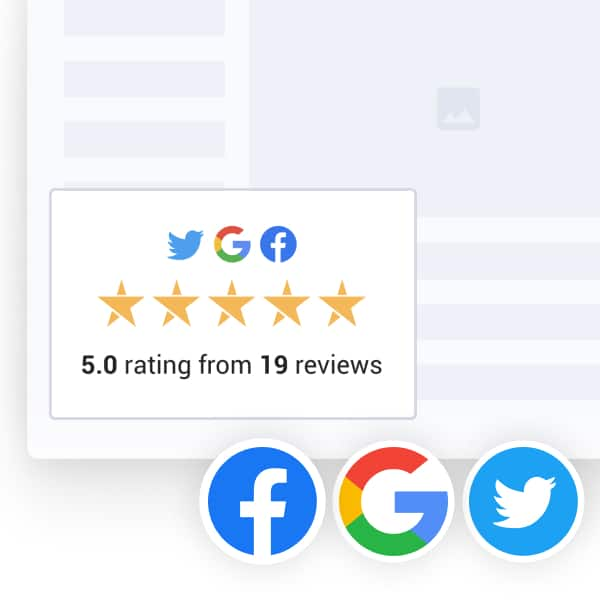
- Add customer testimonials or reviews
- Link to your social media or Google Business Profile
If using WordPress or a custom domain, submit your site to Google Search Console for faster indexing.
6. Publish & Promote
Hit “Publish”—you’re live! Then:
- Share your URL on business cards, email signatures, and social media
- Claim or update your Google Business Profile (free and critical for local search)
- Ask happy customers to visit and engage (Google notices activity)
Update your site monthly with news, offers, or new photos to keep it fresh.
FAQs
Q: Can I build a business web page for free?
A: Yes—but free plans often include ads or a subdomain (e.g., yoursite.wix.com). For under $15/month, you can get a custom domain and remove ads.
Q: Do I need a blog on my business web page?
A: Not at first. Focus on core info. Add a blog later if you want to share tips, boost SEO, or showcase expertise.
Q: How do I know if my web page is working?
A: Use free tools like Google Analytics (via your website builder) to track visits, bounce rate, and contact form submissions. More importantly—ask new customers, “How did you find us?”