


A Step-by-Step Guide for Entrepreneurs (No Tech Skills Needed)
Your business website is your 24/7 sales representative, brand ambassador, and customer service hub—all in one. Whether you run a local bakery, consulting firm, or online store, a well-built website builds trust, captures leads, and drives revenue. And thanks to modern website builders, you don’t need a developer or a big budget to create one that looks and performs like a pro.
Here’s how to build a business website from start to finish—fast, affordably, and effectively.
1. Define Your Website’s Purpose
Before you pick colors or write copy, ask:
- What do I want visitors to do? (Call you? Buy online? Book a consultation?)
- Who is my ideal customer? (Be specific: “Busy moms in Denver” vs. “Everyone”)
This clarity shapes everything—from layout to messaging.

2. Choose the Right Platform
For most small businesses, a drag-and-drop website builder is the fastest, easiest route:
- Wix – Best for creative freedom and design
- Squarespace – Ideal for sleek, visual brands (photographers, designers)
- Shopify – Built for e-commerce (if you’re selling products)
- WordPress.com – Great if you plan to blog or scale content later
Avoid WordPress.org (self-hosted) unless you’re comfortable managing hosting, plugins, and security.
💡 Most offer free trials. Start there—no risk.
3. Get a Domain Name & Hosting
Your domain (e.g., www.yourbusiness.com ) is your web address.
- Keep it short, brandable, and easy to spell
- Use .com if possible
- Buy it through your website builder (most include 1 year free with annual plans)
Hosting is usually bundled—no need to manage it separately with Wix, Squarespace, etc.

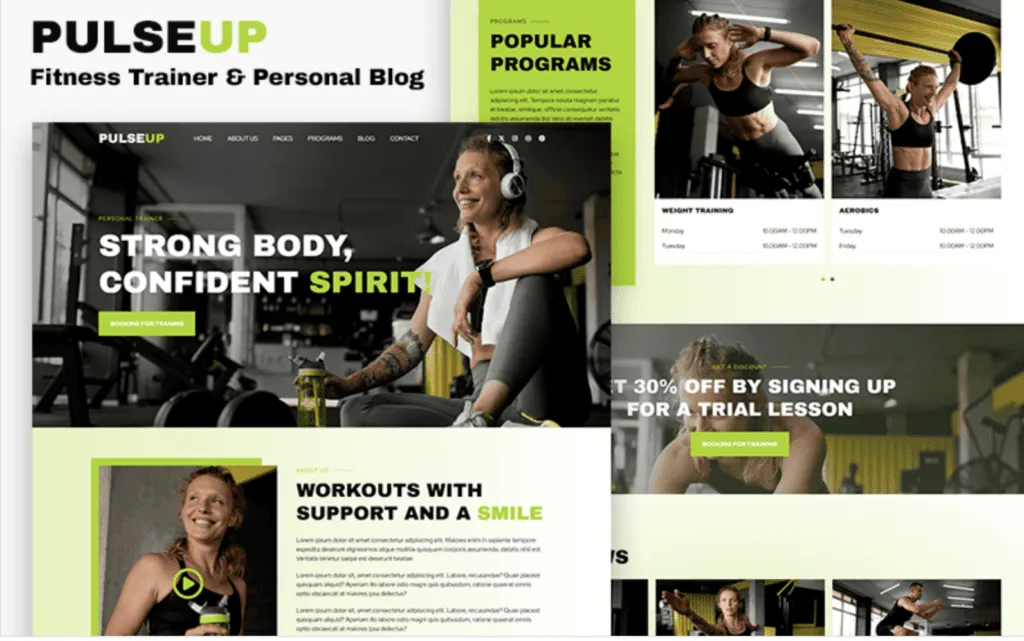
4. Select & Customize a Template
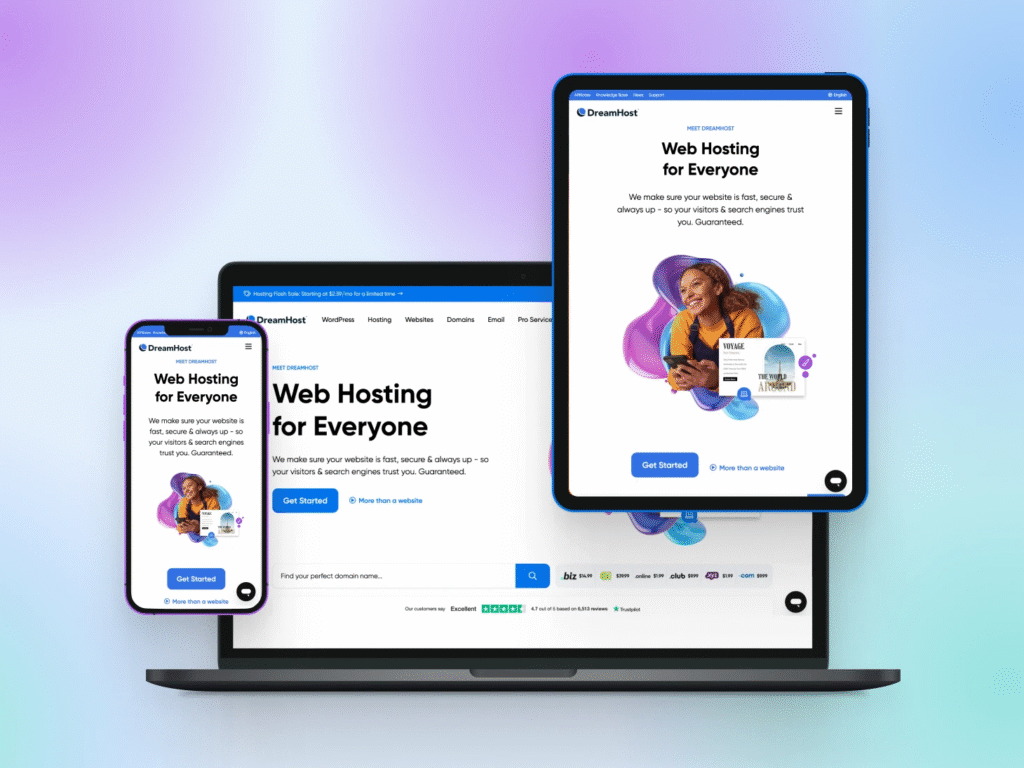
Pick a mobile-responsive template designed for your industry:
- Service business? Choose one with a strong “Services” and “Contact” section
- Portfolio? Look for image galleries and project case studies
- Online store? Ensure it has product filters, cart, and secure checkout
Customize:
- Brand colors (match your logo)
- Fonts (2 max: one for headings, one for body)
- Logo in the header
Keep it clean—clutter kills conversions.
5. Add Essential Pages
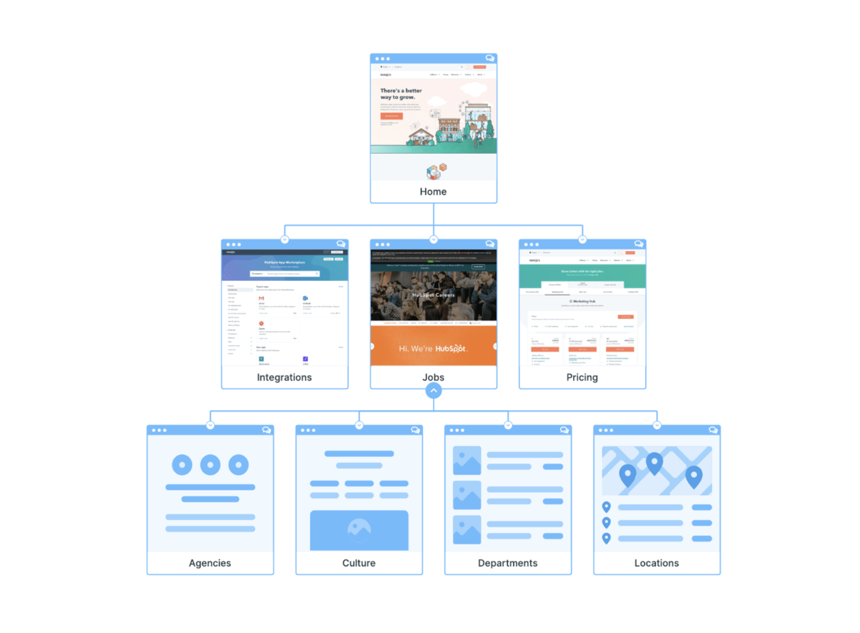
Even a simple site needs these core pages:
- Homepage: Clear headline, value proposition, and primary CTA (“Book Now,” “Shop,” etc.)
- About: Your story, mission, and why you’re credible (add a real photo!)
- Services/Products: Detailed descriptions, pricing (if possible), and benefits
- Contact: Phone, email, contact form, and (if local) address + Google Map
- Testimonials: Social proof builds instant trust
Optional but powerful: FAQ, Blog, or Portfolio.
6. Optimize for Search & Performance
Make Google (and customers) love your site:
- Use keywords naturally: “Web design for dentists in Miami”
- Add alt text to images (e.g., “Miami dental website redesign before and after”)
- Enable SSL security (most builders do this automatically—look for “https://”)
- Ensure fast loading (compress large images using free tools like TinyPNG)
Also, connect your Google Business Profile if you serve local customers.
7. Publish, Test & Promote
Before going live:
- Test all links and forms
- View your site on phone, tablet, and desktop
- Ask a friend to review for typos
Once published:
- Share your URL everywhere: email signature, social media, receipts
- Submit to Google via Google Search Console
- Update regularly—fresh content = better rankings
FAQs
Q: How much does it cost to build a business website?
A: $0–$300/year. Free plans exist (with ads/subdomains), but a professional site with a custom domain and no ads costs $12–$25/month.
Q: Do I need a blog?
A: Not at first. Focus on core pages. Add a blog later if you want to share expertise, attract organic traffic, or support SEO.
Q: Can I update my website myself?
A: Absolutely! That’s the beauty of modern builders—edit text, swap photos, or add new services anytime, from any device.