


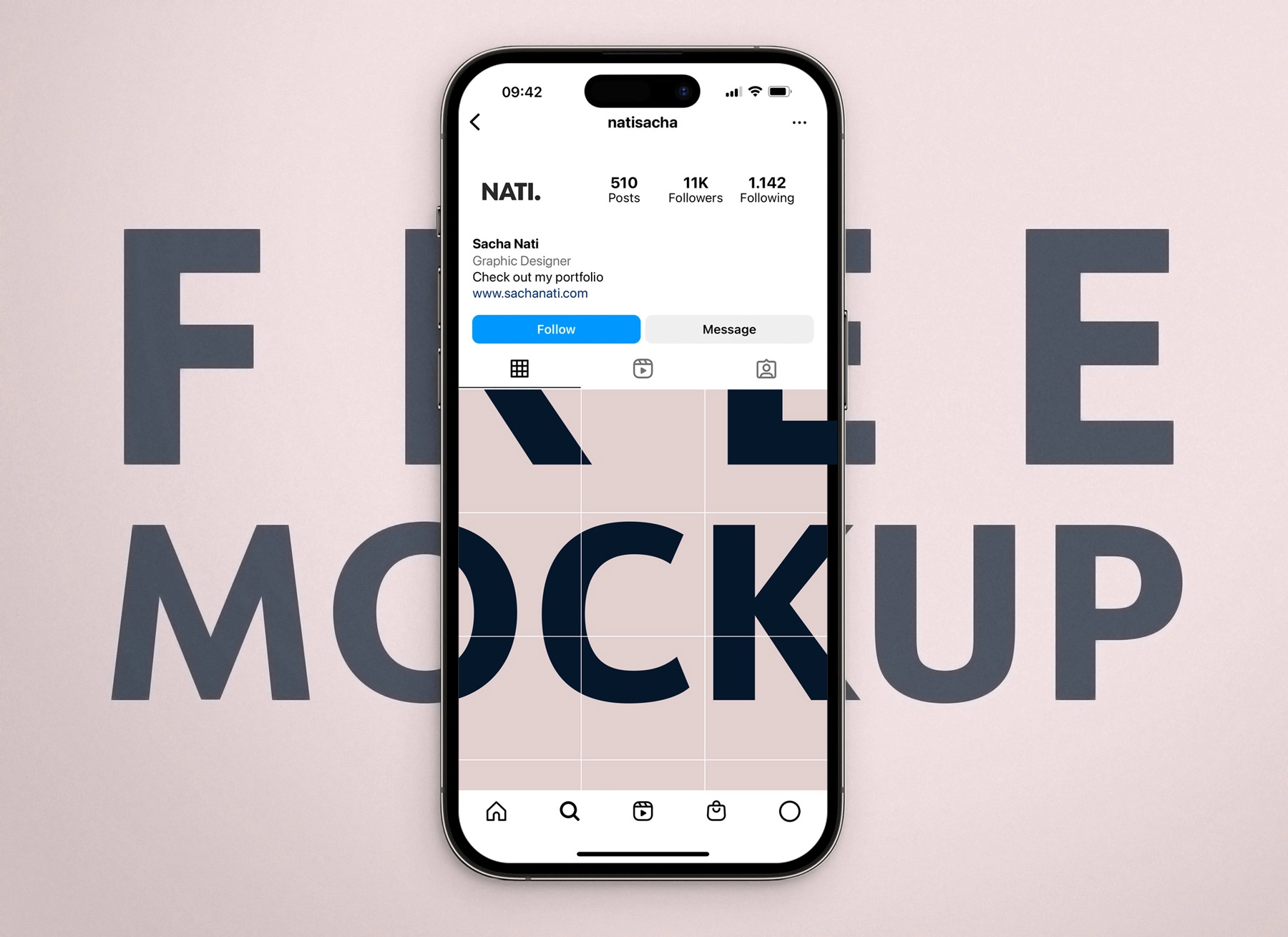
Instagram isn’t just for influencers—it’s a powerful tool for any business to build trust, showcase products, and connect with customers where they already spend time. With over 2 billion monthly users, a well-optimized business profile can drive traffic, generate leads, and boost sales. The best part? You can set it up in under 30 minutes. Here’s how (read time: 3–4 minutes).
1. Convert to a Business or Creator Account
Start with a personal account, then switch:
- Go to Settings → Account → Switch to Professional Account
- Choose Business (for sales, services, or local shops) or Creator (for personal brands, coaches, artists)
Why it matters: Business accounts unlock:
- Contact buttons (Email, Call, Directions)
- Instagram Insights (analytics)
- Ability to run ads and promote posts
- Link in Stories (with 500+ followers or via Linktree)
2. Optimize Your Profile for Clarity & Action
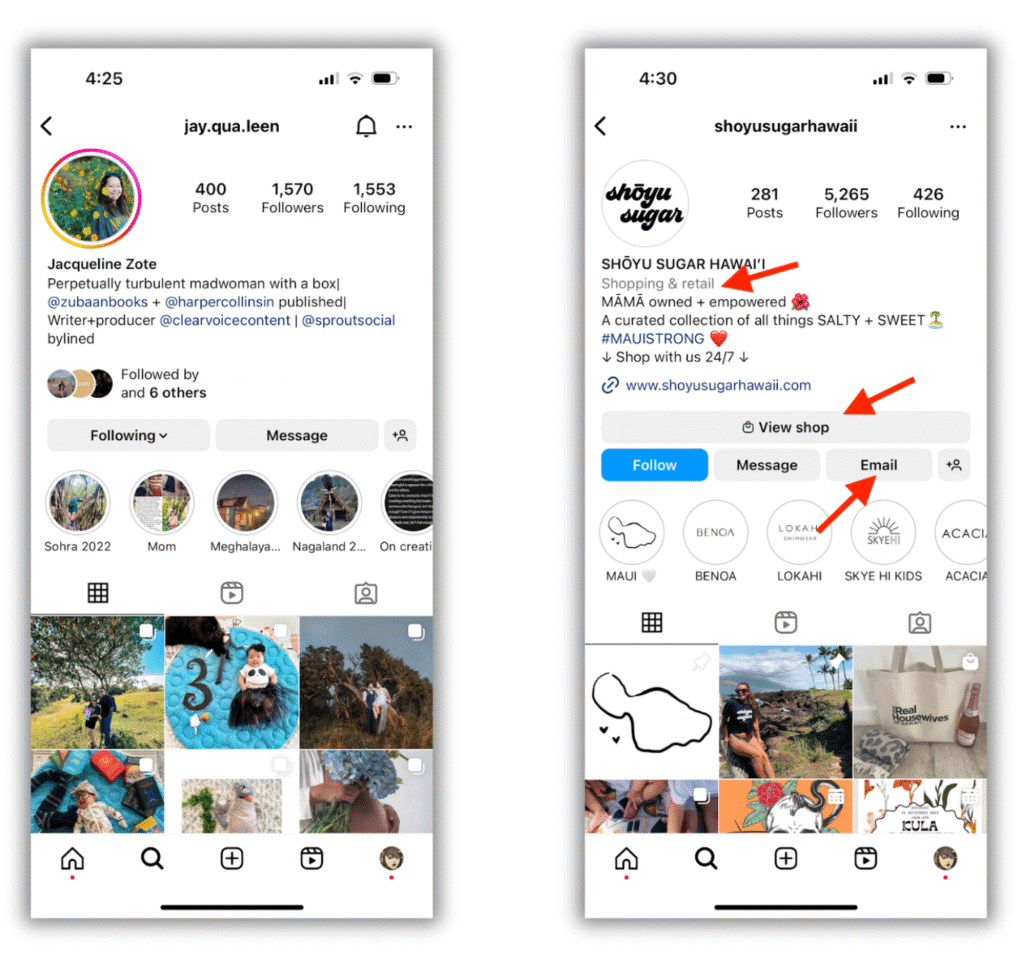
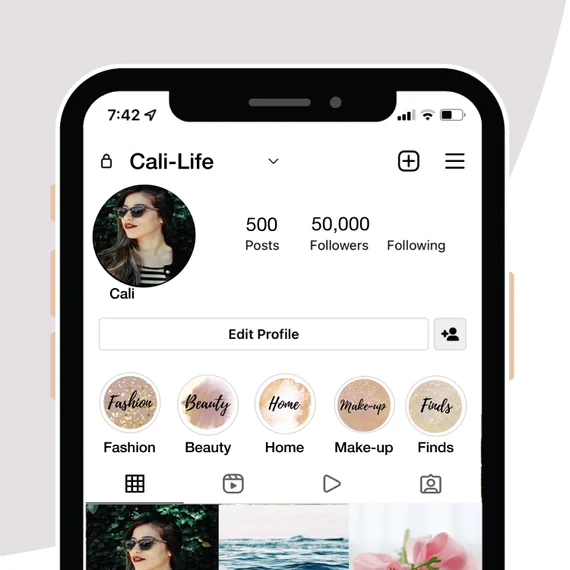
Your profile is your digital storefront. Make every element count:
- Profile photo: High-res logo or professional headshot
- Username: Match your business name (e.g., @yourbusiness)
- Name field: Use real business name + keywords (e.g., “Bella’s Bakery | Custom Cakes NYC”)
- Bio: Clearly state what you do + who you help + a strong CTAExample: “Helping busy moms meal prep in 20 mins 🥗 | Free weekly recipes ↓”
- Link: Use a smart link tool like Linktree or Beacons to share multiple links (shop, booking, latest offer)
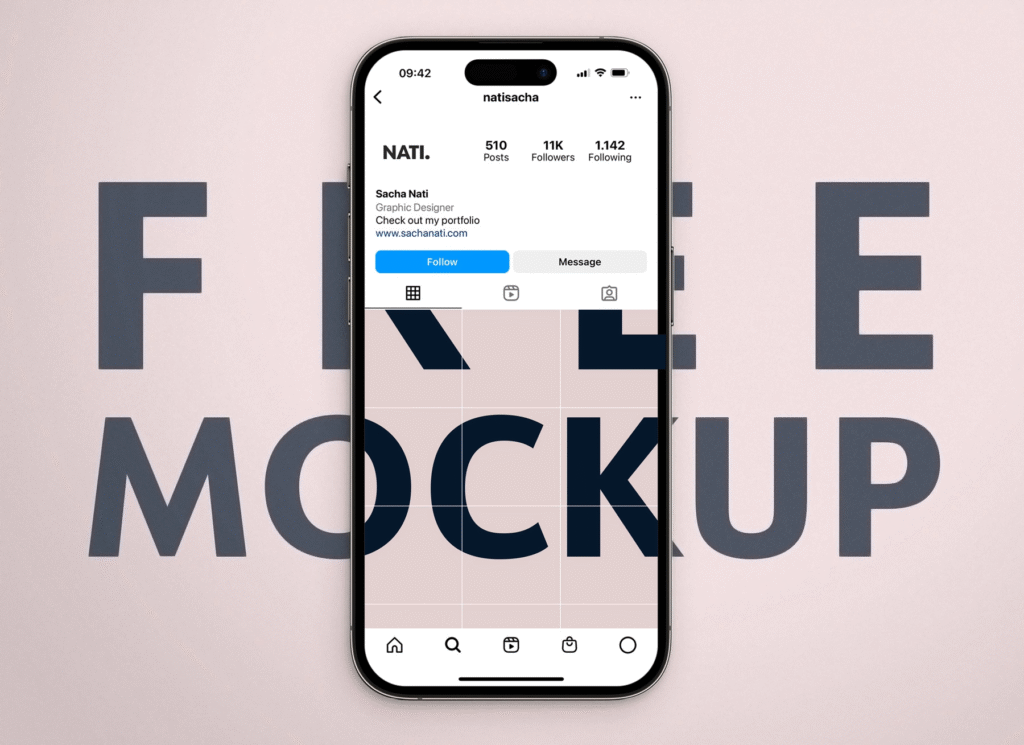
3. Post Consistently with Purpose
Quality > quantity—but consistency builds trust. Aim for 3–5 posts per week. Mix content types:
- Educational: Tips, how-tos, industry insights
- Behind-the-scenes: Team, process, workspace
- Social proof: Customer photos, testimonials, reviews
- Promotional: New products, offers, events (limit to 20% of content)
Use natural lighting, clean backgrounds, and brand-aligned colors. Captions should start strong, tell a story, and end with a question or CTA (“Double-tap if you agree!” or “Comment ‘RECIPE’ for the full guide!”).
4. Leverage Stories, Reels, and Highlights
- Stories: Post daily! Use polls, Q&As, countdowns, and “Tap for More” stickers to boost engagement.
- Reels: Short, trending, value-packed videos (15–30 sec) get the most reach. Use trending audio and text overlays.
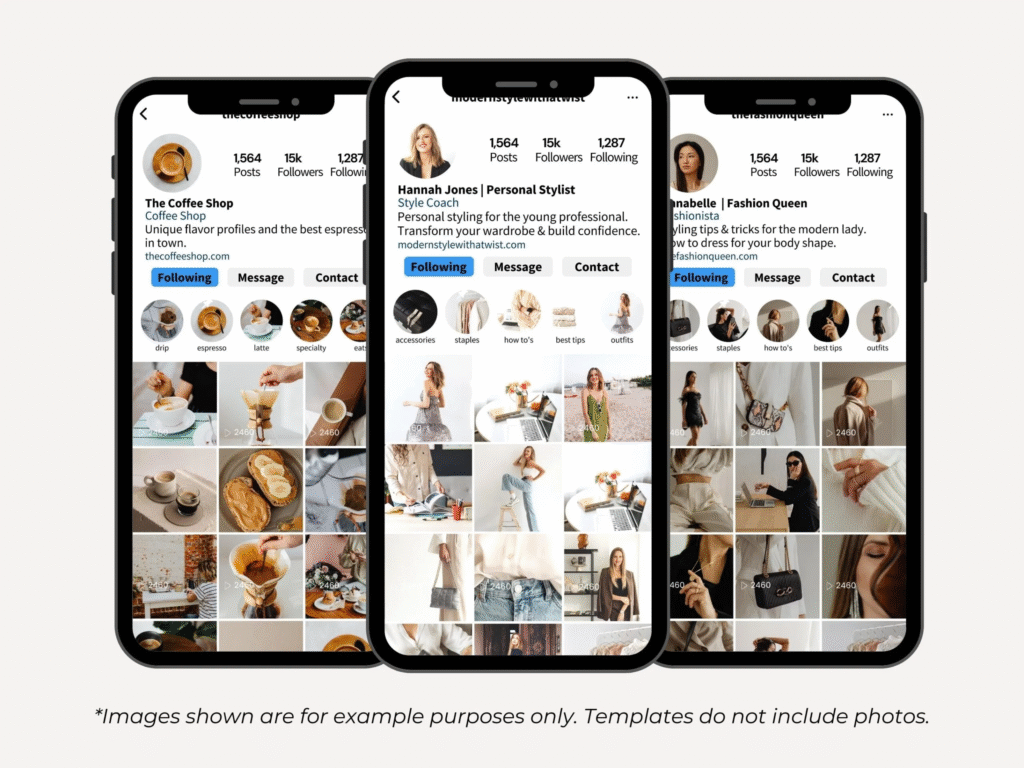
- Highlights: Save key Stories to your profile (e.g., “Services,” “Reviews,” “FAQ,” “Portfolio”) so new visitors instantly understand your business.
5. Engage Authentically & Track Performance
- Respond to every comment and DM within 24 hours
- Follow and comment on ideal customers’ and partners’ posts
- Use relevant hashtags (5–10 per post; mix niche + broad)
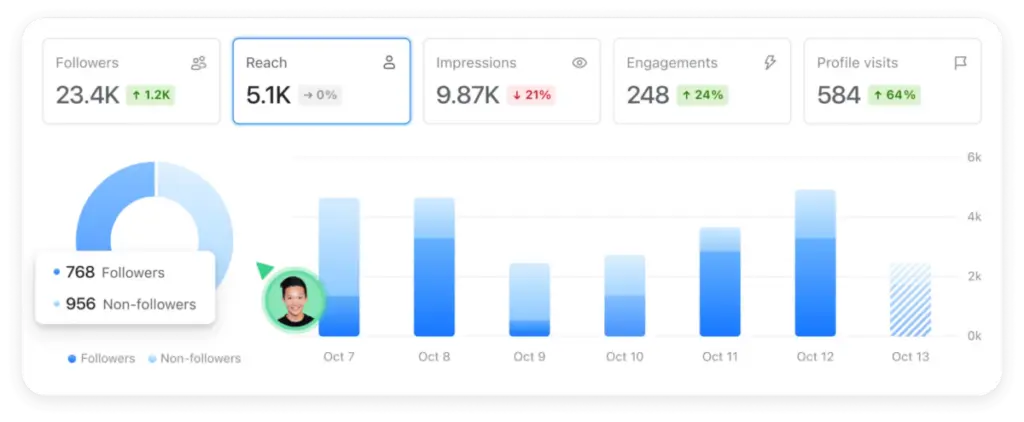
- Check Insights weekly: Track reach, profile visits, and top-performing content
Adjust your strategy based on what resonates—not just what you like.
Final Tip
Instagram rewards value and consistency, not perfection. Start before you feel “ready”—your first 10 posts are practice. Your audience is waiting.
FAQs
Q: Do I need a huge following to get business results?
A: No. A small, engaged audience (even 500–1,000 true followers) can drive more sales than 10K passive ones. Focus on connection, not just numbers.
Q: Should I use Instagram ads as a beginner?
A: Start organic first. Once you have 5–10 strong posts, test a $5/day “Promote” on your best-performing Reel or offer to reach local or lookalike audiences.
Q: Can I manage Instagram without posting every day?
A: Yes! Prioritize 3 high-quality posts/week + daily Stories. Batch-create content on one day (e.g., Sunday) to stay consistent without burnout.