


Shopify powers over 4 million businesses—from solopreneurs selling handmade jewelry to global brands like Gymshark and Heinz. Why? Because it’s simple, scalable, and packed with tools to handle everything from product listings to payments, marketing, and shipping. Whether you’re dropshipping, selling your own products, or launching a digital store, here’s how to build a real business on Shopify (read time: 3–4 minutes).
1. Choose Your Business Model
Shopify supports multiple e-commerce models:
- Physical products: Handmade goods, apparel, curated boxes
- Dropshipping: Partner with suppliers (via Oberlo, Spocket, or DSers)
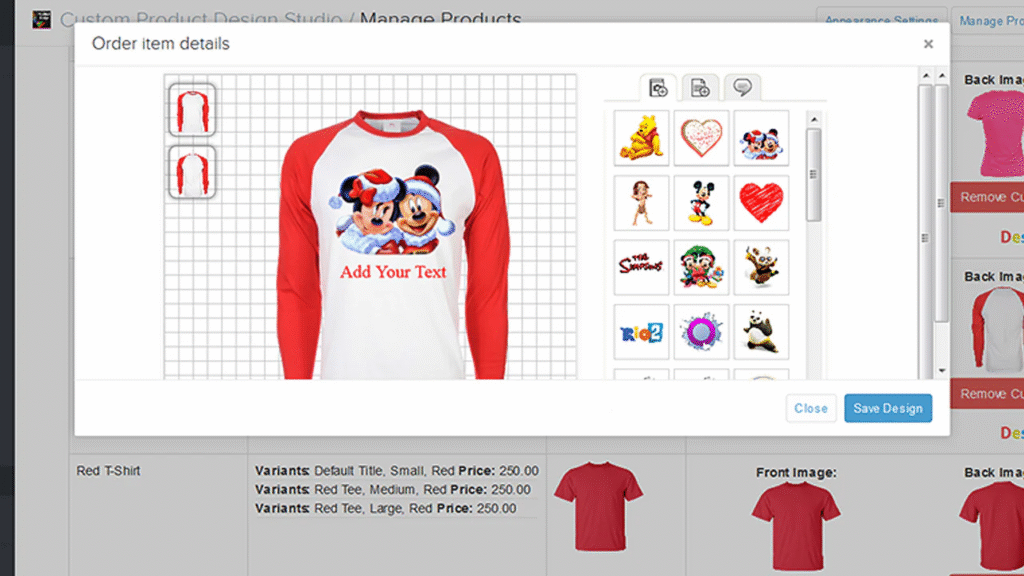
- Print-on-demand: Sell custom designs (use Printful or Gelato)
- Digital products: E-books, courses, templates (use Shopify’s digital downloads or apps like Digital Downloads)
💡 Start simple: Validate demand with 3–5 core products before scaling.
2. Sign Up and Set Up Your Store
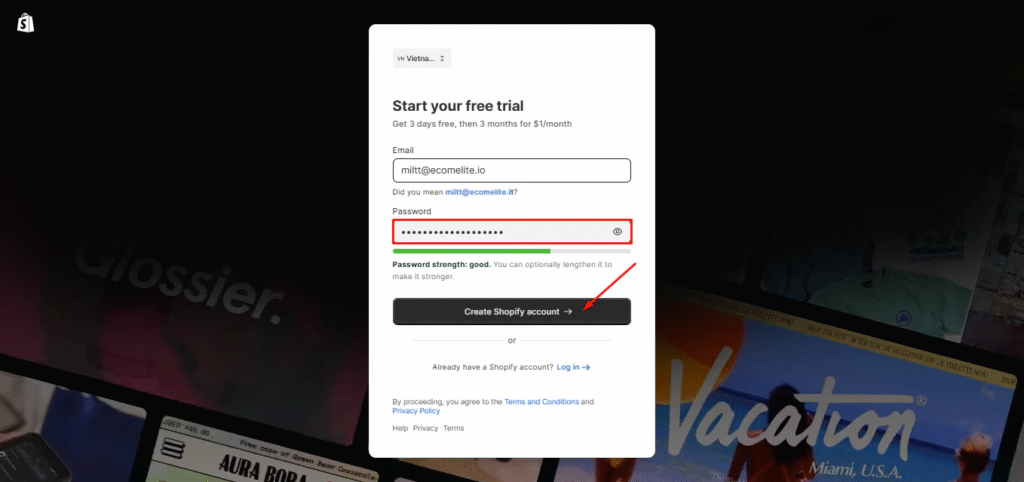
- Go to shopify.com and start a free 3-day trial (no credit card needed).
- Pick a .myshopify.com subdomain (e.g.,
yourbrand.myshopify.com). - Enter basic business info (you can change this later).
💡 Tip: Upgrade within 3 days to get 3 months for $1/month (often offered to new users).
3. Customize Your Store with a Theme
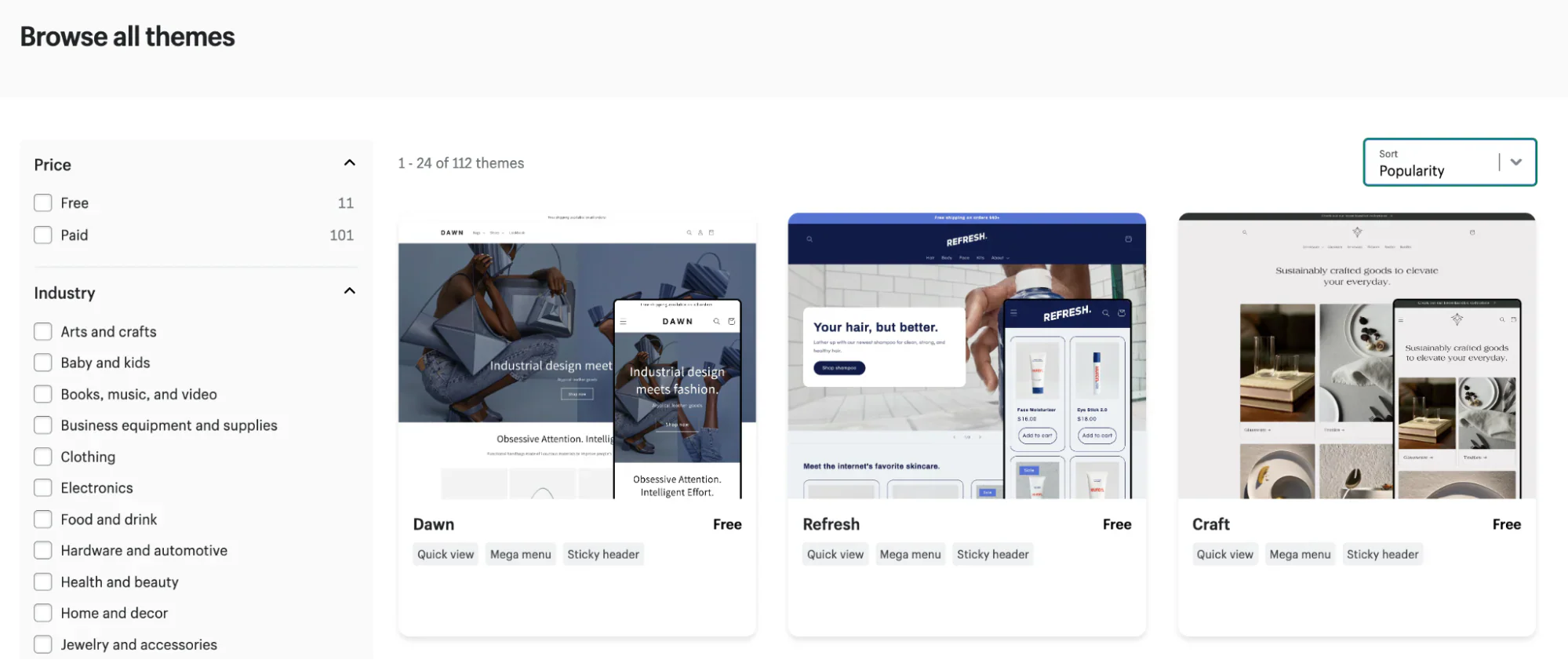
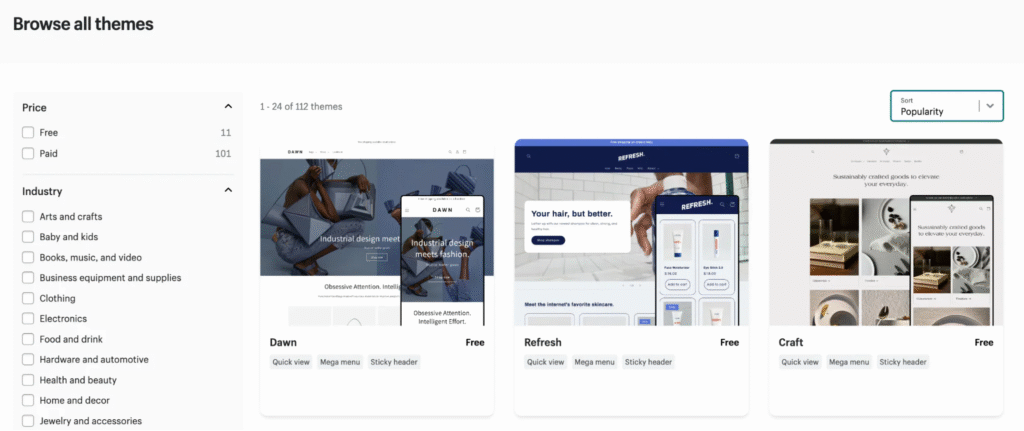
- Go to Online Store → Themes in your Shopify admin
- Choose a free or paid theme (e.g., Dawn—Shopify’s free, mobile-optimized default)
- Click Customize to edit:
- Logo, colors, and fonts
- Homepage layout (add hero image, featured products, testimonials)
- Navigation menus
💡 Best practice: Keep design clean, load time fast, and mobile experience seamless.
4. Add Products and Set Up Payments
To add a product:
- Go to Products → Add product
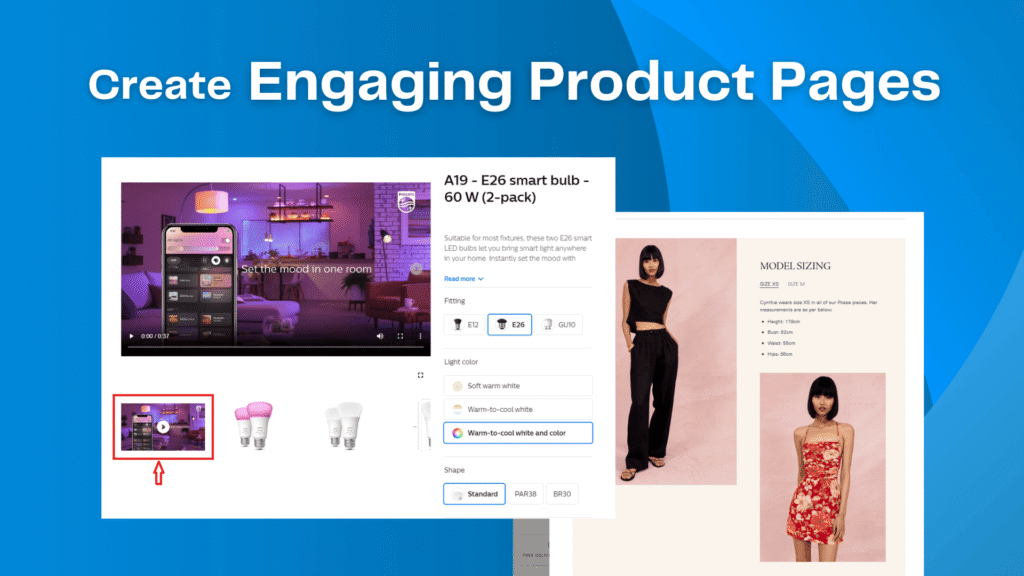
- Upload high-quality images
- Write clear titles, descriptions, and pricing
- Set inventory and shipping details
To accept payments:
- Go to Settings → Payments
- Enable Shopify Payments (no transaction fees) or connect PayPal, Stripe, etc.
- Set up taxes and shipping zones (Shopify auto-calculates most rates)
5. Launch and Drive Traffic
Before going live:
- Set up a privacy policy and refund policy (use Shopify’s free generator)
- Test checkout as a customer
- Connect a custom domain (e.g.,
yourstore.com—$12–$20/year via Shopify)
To get your first sales:
- Share on Instagram, TikTok, or Facebook
- Run a $5/day Facebook/Instagram ad targeting local or interest-based audiences
- Offer a launch discount (“FIRST10” for 10% off)
- Submit to Google Shopping (free via Shopify app)
💡 Remember: Your store won’t sell itself—marketing is 50% of the work.