



AI agents are the next evolution beyond simple automation. Unlike basic chatbots or rule-based tools, AI agents are goal-driven systems that perceive, reason, plan, and act autonomously to complete multi-step tasks. In business, they can research markets, manage customer journeys, optimize supply chains, and even negotiate—freeing humans to focus on strategy and creativity. Here’s how to use AI agents effectively and responsibly.
1. Understand What AI Agents Can Do (Beyond Chatbots)
An AI agent isn’t just reactive—it’s proactive and adaptive. Examples in business:
- Customer Success Agent: Monitors user behavior, detects churn risk, and sends a personalized discount before the customer cancels.
- Procurement Agent: Scans supplier invoices, compares prices across vendors, and auto-negotiates better rates via email.
- Marketing Agent: Runs A/B tests on ad copy, analyzes performance, and reallocates budget to top-performing channels—daily.
Unlike static automation, agents learn and improve over time.
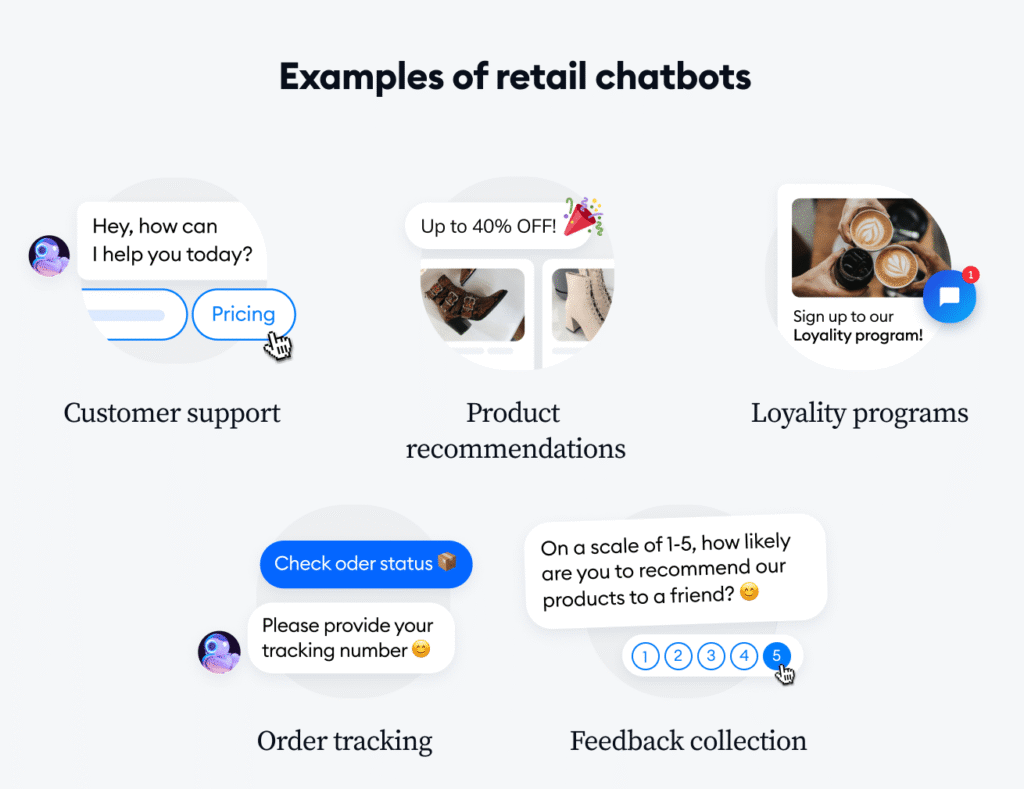
- Traditional Bot: “Answers: ‘Store hours are 9–5.’”
- AI Agent: “Notices drop in foot traffic → Checks weather & local events → Suggests weekend promo → Launches Instagram ad.”
2. Start with High-Impact, Repetitive Workflows
Focus on tasks that are:
- Multi-step (e.g., onboarding a client)
- Data-intensive (e.g., competitive pricing analysis)
- Time-sensitive (e.g., social media crisis response)
Top use cases by department:
- Sales: Lead qualification → demo booking → follow-up sequencing
- Operations: Inventory monitoring → reorder → track shipment → update customer
- HR: Screen resumes → schedule interviews → send offer letters → onboard
Use platforms like Cognigy, LangGraph, or Microsoft AutoGen to build or deploy agents.
3. Equip Agents with Tools and Memory
For agents to act effectively, they need:
- Access to tools: CRM, email, calendar, APIs (e.g., Shopify, Slack)
- Memory: Short-term (current task) + long-term (past interactions)
- Permissions: Define what they can/can’t do (e.g., “Can email clients but not refund >$100”)
Example:
A customer service agent accesses Zendesk (ticket history), Stripe (billing), and Gmail (to send updates)—all while following your brand guidelines.
4. Maintain Human Oversight and Ethics
AI agents are powerful—but not infallible. Implement guardrails:
- Human-in-the-loop: Require approval for high-stakes actions (e.g., contracts, refunds)
- Audit logs: Track every agent decision for transparency
- Bias monitoring: Regularly test for unfair outcomes (e.g., in hiring or lending agents)
- Clear disclosure: Let customers know when they’re interacting with an agent
⚠️ Never deploy agents in high-risk domains (healthcare diagnosis, legal advice) without rigorous validation.
5. Measure Impact and Iterate
Track agent performance like any team member:
- Task completion rate
- Time saved vs. manual process
- Error rate / human override frequency
- ROI (e.g., “Agent recovered $12K in at-risk revenue last month”)
Start with one agent, measure results, and scale to a multi-agent system (e.g., sales + support agents collaborating).
FAQs
Q: Do I need to be a developer to use AI agents?
A: Not anymore. No-code platforms like ** SmythOS**, LangChain, and Microsoft Copilot Studio now offer drag-and-drop agent builders for business users.
Q: Are AI agents the same as RPA (Robotic Process Automation)?
A: No. RPA follows fixed rules (“If X, do Y”). AI agents reason, adapt, and handle ambiguity—making them far more flexible for complex, dynamic