
A Designer-Approved Guide for Professional Impact
In a digital world, a well-designed business card still makes a powerful impression. It’s a tangible reminder of your brand, perfect for networking events, client meetings, or quick handoffs. The best part? You don’t need a design degree or a big budget to create one that looks polished and professional.
Here’s how to build a business card that works as hard as you do.
1. Choose the Right Size & Finish
Stick to the standard size: 3.5 x 2 inches (89 x 51 mm)—it fits wallets and scanners.
For paper, opt for 300–400 GSM cardstock—thick enough to feel premium, not flimsy.
Consider finishes like:
- Matte: Sleek and modern
- Gloss: Vibrant colors, slight shine
- Spot UV: Adds shine to specific areas (like your logo)
- Rounded corners: Soft, contemporary feel
💡 Pro tip: Order a sample pack from print services like Moo, Vistaprint, or Canva Print to feel the difference.

2. Include Only Essential Information
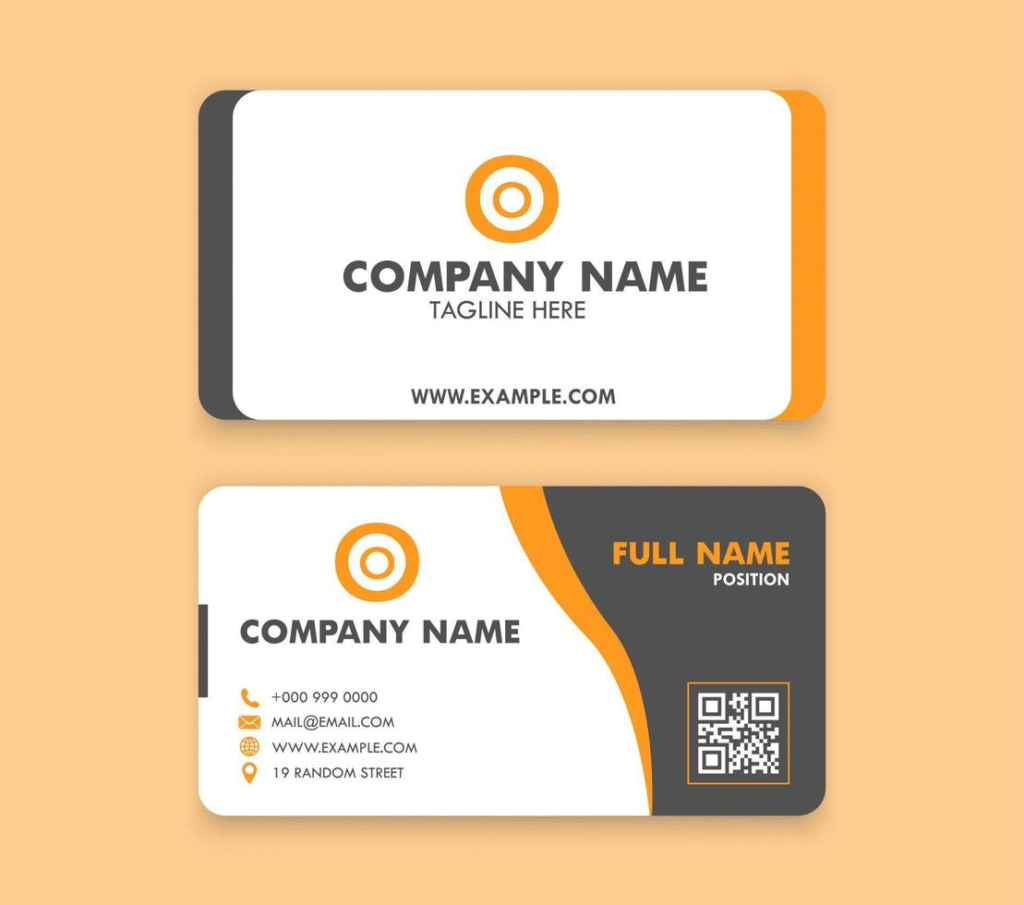
Less is more. Your card should include:
- Your name (and title, if relevant)
- Business name
- Phone number
- Professional email (e.g., name@yourbusiness.com —not Gmail or Yahoo)
- Website URL
- Logo (if you have one)
Optional but useful:
- Physical address (if you have a storefront)
- QR code linking to your website, portfolio, or LinkedIn
Avoid clutter—skip fax numbers, multiple emails, or full bios.
3. Design for Clarity & Brand Consistency
Use your brand’s:
- Colors (limit to 1–2 main colors)
- Fonts (one for name/title, one for details—max two fonts total)
- Logo (place it prominently but not overwhelmingly)
Ensure high contrast (e.g., dark text on light background) for readability. Leave margins (at least 0.125”) so nothing gets cut off during printing.
4. Use a Template or Design Tool
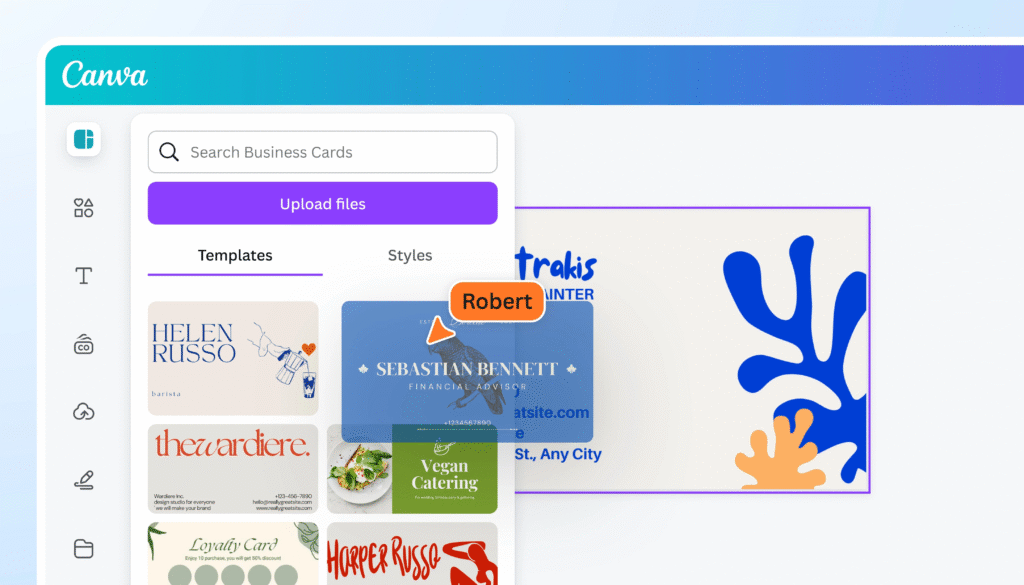
No design skills? No problem. Use free, professional templates from:
- Canva (drag-and-drop, print-ready)
- Vistaprint Designer
- Adobe Express
- Moo’s design studio
Upload your logo, pick your brand colors, and plug in your info. Most tools include bleed and safety guides so your print looks perfect.
5. Proof, Print, and Test
Before ordering 500 cards:
- Proofread (ask a friend to check for typos)
- Check alignment (is text centered? Is the QR code scannable?)
- Order a small test batch first
Once printed, hand one to a colleague and ask: “What’s the first thing you notice? Can you easily find my phone number?”
FAQs
Q: Should I put my photo on my business card?
A: Only if you’re in a relationship-driven field like real estate, coaching, or acting—where face recognition matters. Otherwise, skip it to keep focus on your brand.
Q: Can I design a business card on my phone?
A: Yes! Apps like Canva, Adobe Express, and VistaCreate let you design and order directly from your smartphone.
Q: How much should I spend on business cards?
A: Basic prints start at $20 for 100 cards. Premium options (thick stock, special finishes) cost $50–$100 for 250–500. Invest in quality—it reflects your professionalism.