
Your business email is more than a way to send messages—it’s a cornerstone of your brand identity. Using “john1987@gmail.com ” for client outreach undermines credibility, while a custom email like contact@yourbrand.com signals professionalism, legitimacy, and attention to detail. Best of all, setting one up is simpler (and more affordable) than most entrepreneurs think. Here’s how to build a business email the right way.
1. Choose a Professional Email Format
Stick to clear, consistent naming conventions:
- General inquiries: hello@, info@, contact@
- Sales: sales@, offers@
- Support: support@, help@
- Personal: first@, first.last@ (for team members)
Avoid numbers, nicknames, or underscores (e.g., cool_dude23@). Keep it simple and scalable.
2. Register a Domain Name
Your email needs a custom domain (e.g., yourbusiness.com).
- Use registrars like Namecheap, Google Domains, or GoDaddy
- Aim for .com first—it’s the most trusted
- Keep it short, brandable, and easy to spell
Cost: ~$10–15/year. This is non-negotiable for serious businesses.
3. Set Up Email Hosting
A domain alone doesn’t give you email—you need hosting. Options include:
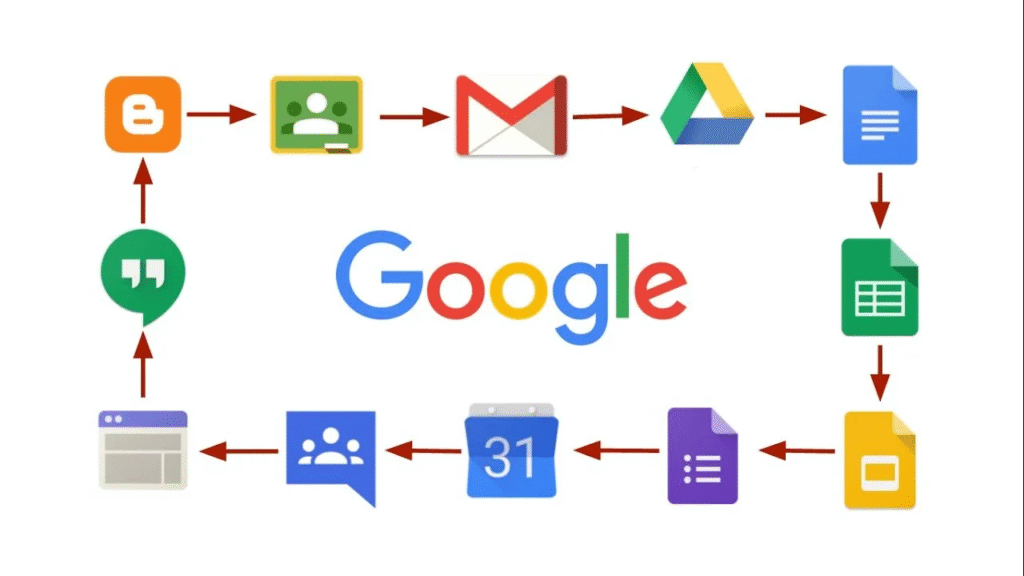
- Google Workspace ($6/user/month): Gmail interface + 30GB storage, calendar, Meet
- Microsoft 365 ($6/user/month): Outlook + Office apps
- Zoho Mail (Free for up to 5 users): Great for solopreneurs on a budget
All offer webmail, mobile apps, and spam protection.
4. Configure and Secure Your Email
After setup:
- Enable two-factor authentication (2FA)
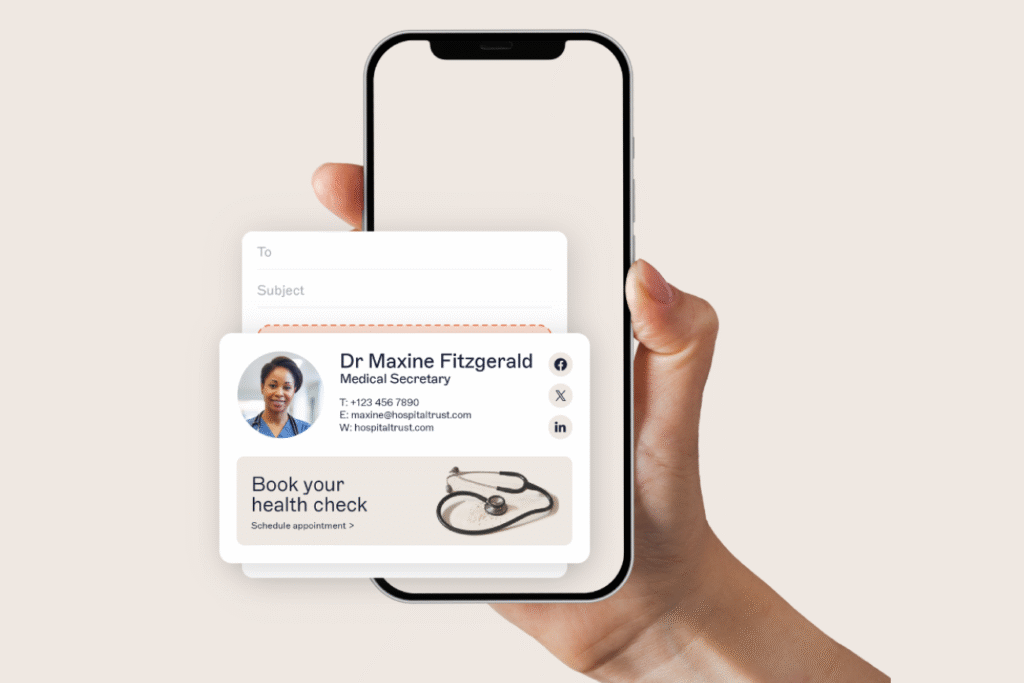
- Set up email signatures with name, title, phone, website, and logo
- Create filters and labels to stay organized
- Connect to your CRM or helpdesk (e.g., HubSpot, Zendesk) if needed
Pro tip: Use “Send from” aliases in Gmail/Outlook so your team can reply as hello@ without sharing passwords.
5. Use It Consistently Across All Touchpoints
Update your business email everywhere:
- Website contact page
- Social media bios
- Business cards
- Invoices and contracts
- Directory listings (Google Business Profile, Yelp)
Consistency builds recognition and trust.
FAQs
Q: Can I use a free email with my domain (like Zoho Free)?
A: Yes! Zoho Mail offers free custom email for up to 5 users with 5GB storage—perfect for startups and solopreneurs.
Q: Do I need a website to have a business email?
A: No. You can buy a domain and set up email without a live website. Many entrepreneurs do this while building their MVP.
Q: What if my domain is taken but I really want it?
A: Try slight variations (getyourbrand.com, yourbrand.co) or use a domain broker. Never settle for a confusing or misspelled domain—clarity beats cleverness.
A professional business email costs less than a coffee a month but pays dividends in credibility, branding, and client confidence. Don’t let your inbox hold your business back. Set it up right from day one—and let every message reinforce your brand.