Your logo is often the first thing people notice about your business. It’s not just a symbol—it’s a visual promise of your brand’s personality, quality, and values. The good news? You don’t need a design degree or a big budget to create a standout logo. Here’s how to build one that works across websites, social media, and print (read time: 3 minutes).
1. Clarify Your Brand Identity First
Before opening any design tool, ask:
- What emotions should your logo evoke? (Trust? Energy? Luxury?)
- Who is your ideal customer?
- What are 3 words that describe your brand? (e.g., “modern,” “eco-friendly,” “approachable”)
This clarity ensures your logo aligns with your business—not just looks “cool.”
2. Choose the Right Logo Type
Most logos fall into one of these categories:
- Wordmark: Brand name in custom typography (e.g., Google, Coca-Cola)
- Lettermark: Initials or acronym (e.g., IBM, HBO)
- Symbol/Icon: Standalone graphic (e.g., Apple, Twitter bird)
- Combination Mark: Icon + text (e.g., Adidas, Starbucks)
For most small businesses, a combination mark offers the best balance of recognition and flexibility.
3. Pick Colors and Fonts Strategically
- Colors: Use 1–2 primary colors. Research color psychology (blue = trust, green = growth, red = energy). Ensure contrast for readability.
- Fonts: Choose one clean, legible typeface. Avoid script fonts unless they truly match your brand voice.
4. Design Using Free or Affordable Tools
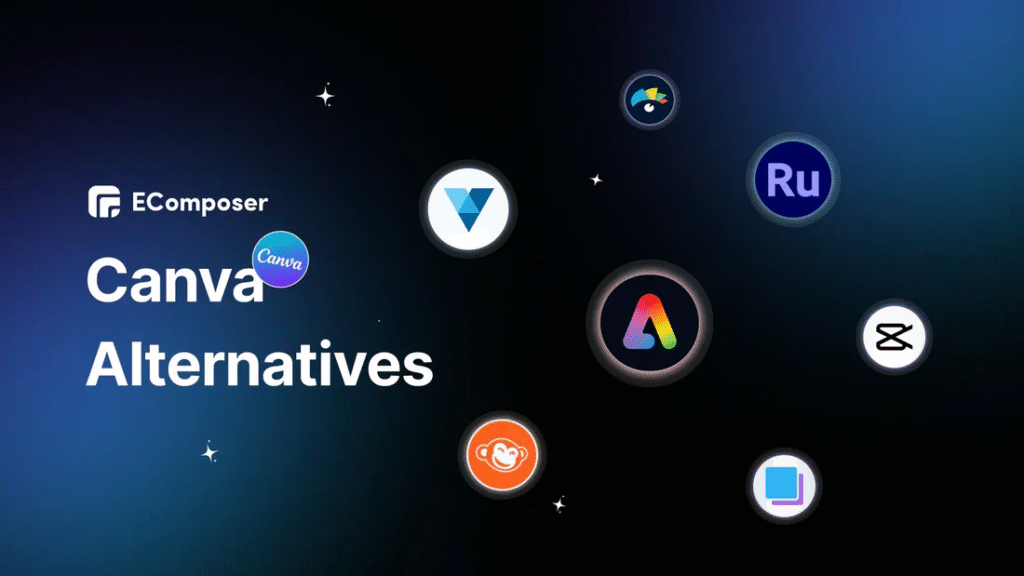
You don’t need Adobe Illustrator. Try:
- Canva (free): Drag-and-drop templates, great for beginners
- Looka (free preview, paid download): AI-powered logo generator
- Hatchful by Shopify (free): Tailored for entrepreneurs, with industry-specific templates
Keep it simple: avoid gradients, complex effects, or too many elements. Your logo should be recognizable even at 1-inch size.
5. Test and Finalize for Versatility
Before locking it in:
- View it in black and white (does it still work?)
- Scale it down to favicon size (16x16px)
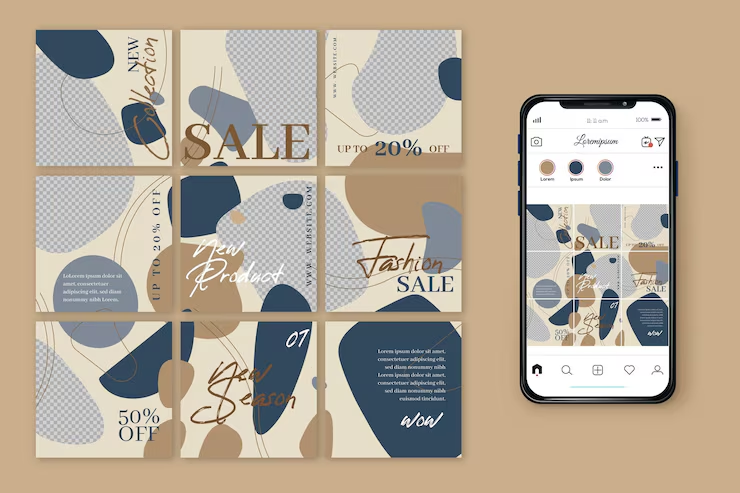
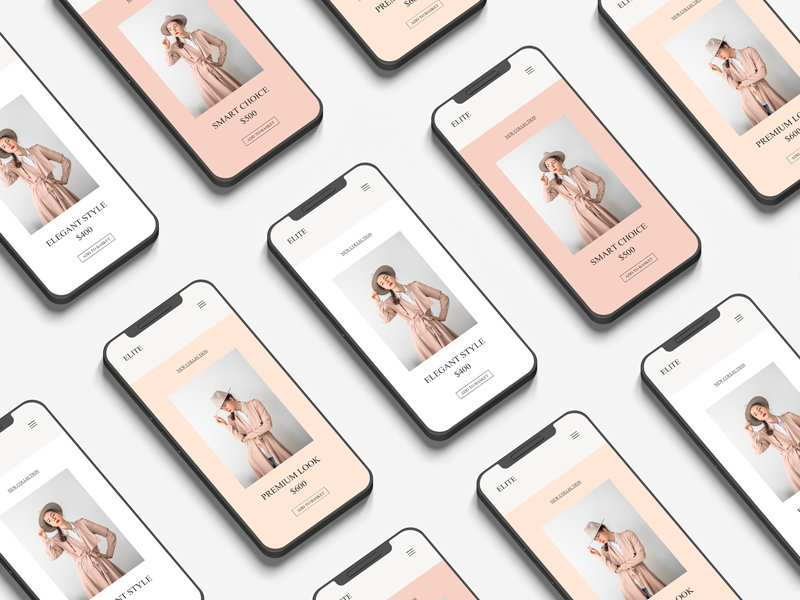
- Place it on mockups: business card, website header, social profile
Download your final logo in PNG (transparent background) and SVG or PDF (vector for print) formats.
Final Tip
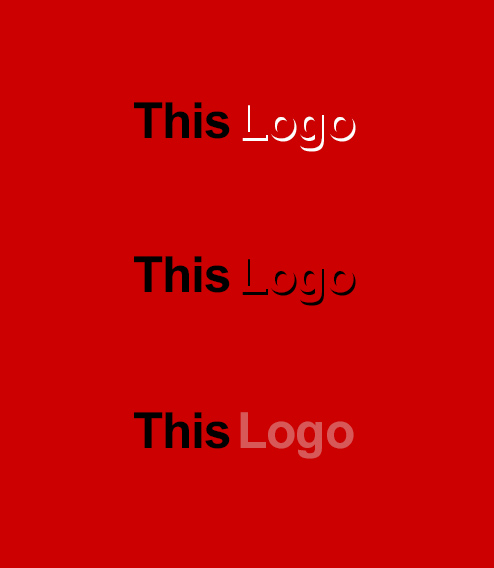
A great logo isn’t trendy—it’s timeless. Skip the drop shadows, 3D effects, and clip art. Simplicity builds recognition.
FAQs
Q: Can I use a free logo maker for commercial use?
A: Yes—tools like Hatchful and Canva grant full commercial rights. Always check the license before downloading.
Q: Should I hire a designer instead?
A: If your budget allows ($100–$500), a freelance designer (via 99designs or Fiverr) can deliver more originality. But free tools work well for solopreneurs and early-stage brands.
Q: How often should I update my logo?
A: Only when your brand evolves significantly (e.g., new audience, expanded services). Most successful brands keep the same core logo for decades.