
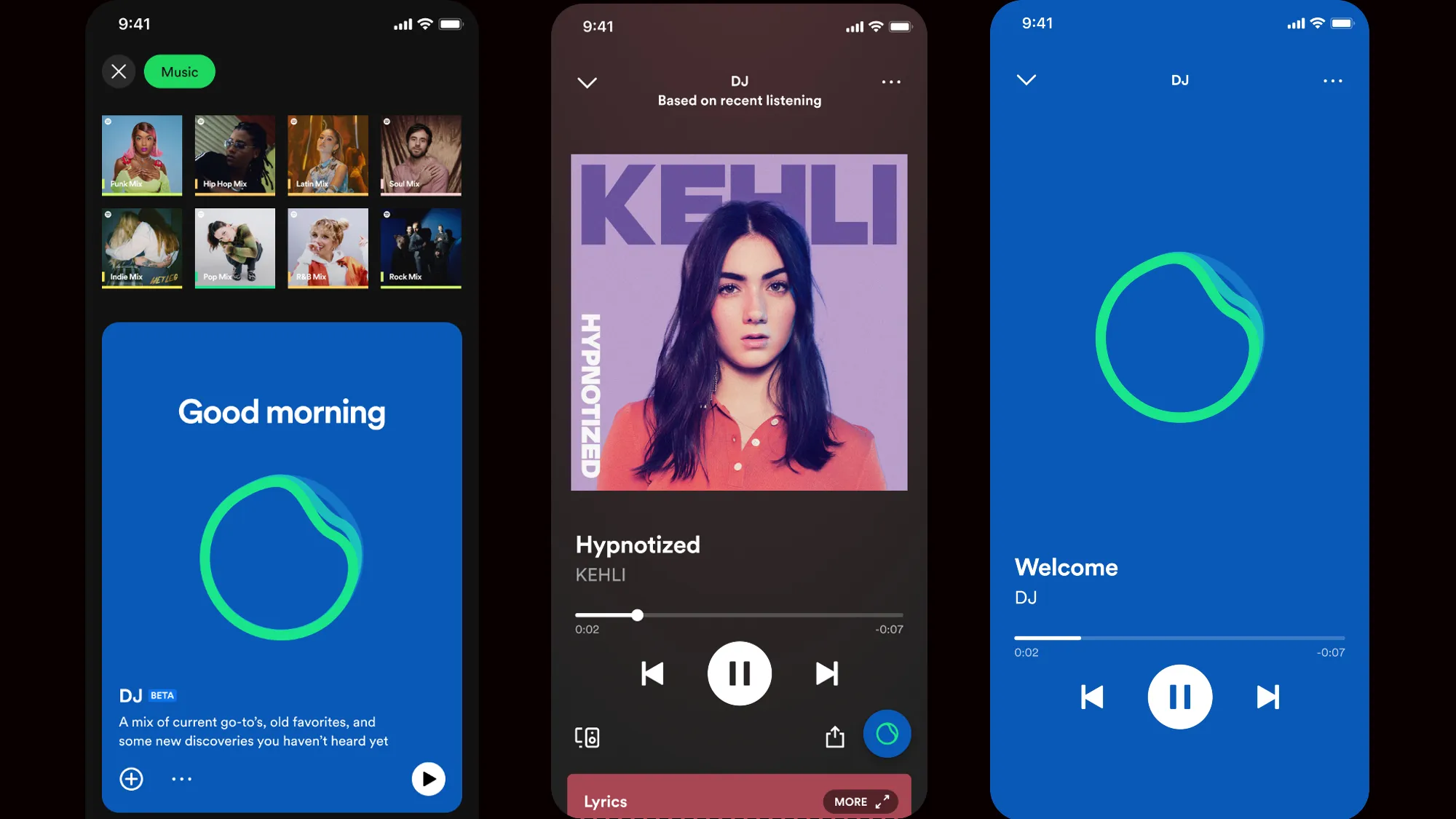

Spotify’s AI DJ feature brings artificial intelligence into your music experience, creating personalized playlists , smooth mixes , and real-time recommendations tailored to your taste. Whether you’re working out, studying, or just relaxing, the AI DJ keeps the music flowing without skipping a beat.
Here’s how to use AI DJ on Spotify in 2025.
Step 1: Check if AI DJ Is Available in Your Region
As of now, Spotify’s AI DJ is available in select regions and may roll out more widely over time.
To Access:
- Make sure you’re using the latest version of the Spotify app
- Be on a mobile device (iOS or Android)
- Have an active Spotify account (Free or Premium)
Step 2: Open the AI DJ Feature
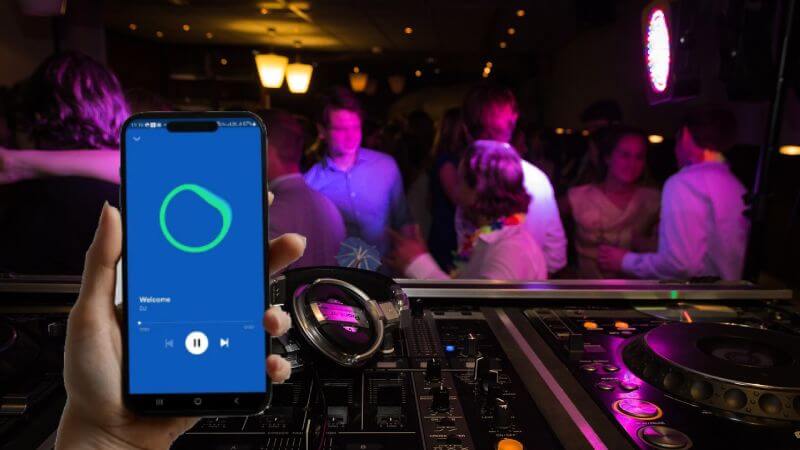
The AI DJ appears as a dedicated experience inside the Spotify app.
Steps:
- Open the Spotify app
- Tap the “Browse All” section at the bottom
- Look for the “AI DJ” option — it may appear under “Enhance,” “Playlists,” or a rotating banner
- Tap to start your AI-generated mix
You’ll hear a blend of songs from your listening history and new tracks that match your vibe — all mixed together seamlessly.
What the AI DJ Does
Spotify’s AI DJ uses your listening history, favorite genres, and mood patterns to generate:
- Personalized mixes that evolve as you listen
- Smooth transitions between songs (no silence or abrupt cuts)
- Live commentary from a virtual DJ explaining song choices (in some regions)
- Smart recommendations that adapt to your current activity (e.g., workout, sleep, focus)
It’s like having a real DJ who knows your musical taste better than anyone.
Step 3: Interact with Your AI Mix
While the AI DJ is playing, you can:
- Like or dislike songs to refine future mixes
- Skip tracks you don’t want to hear again
- Save the mix to revisit later
- Share the mix with friends via link or social media
The more you interact, the smarter your AI DJ becomes.
Tips for Getting the Best Experience
- Listen regularly so the AI learns your preferences
- Try different moods or activities to see how the AI adapts
- Use headphones for the best audio quality and immersive experience
- Keep your app updated to access new AI DJ features as they launch
FAQs: Frequently Asked Questions About Spotify AI DJ
Q1: Is the AI DJ available to free users?
Yes, the AI DJ feature is accessible to both free and Premium Spotify users , though availability depends on your region.
Q2: Can I choose what songs appear in my AI mix?
Not directly — but you can influence the mix by liking/disliking songs, which helps the AI learn your preferences.
Q3: Does the AI DJ work offline?
No, the AI DJ requires an internet connection since it generates mixes in real time based on your data and Spotify’s library.