
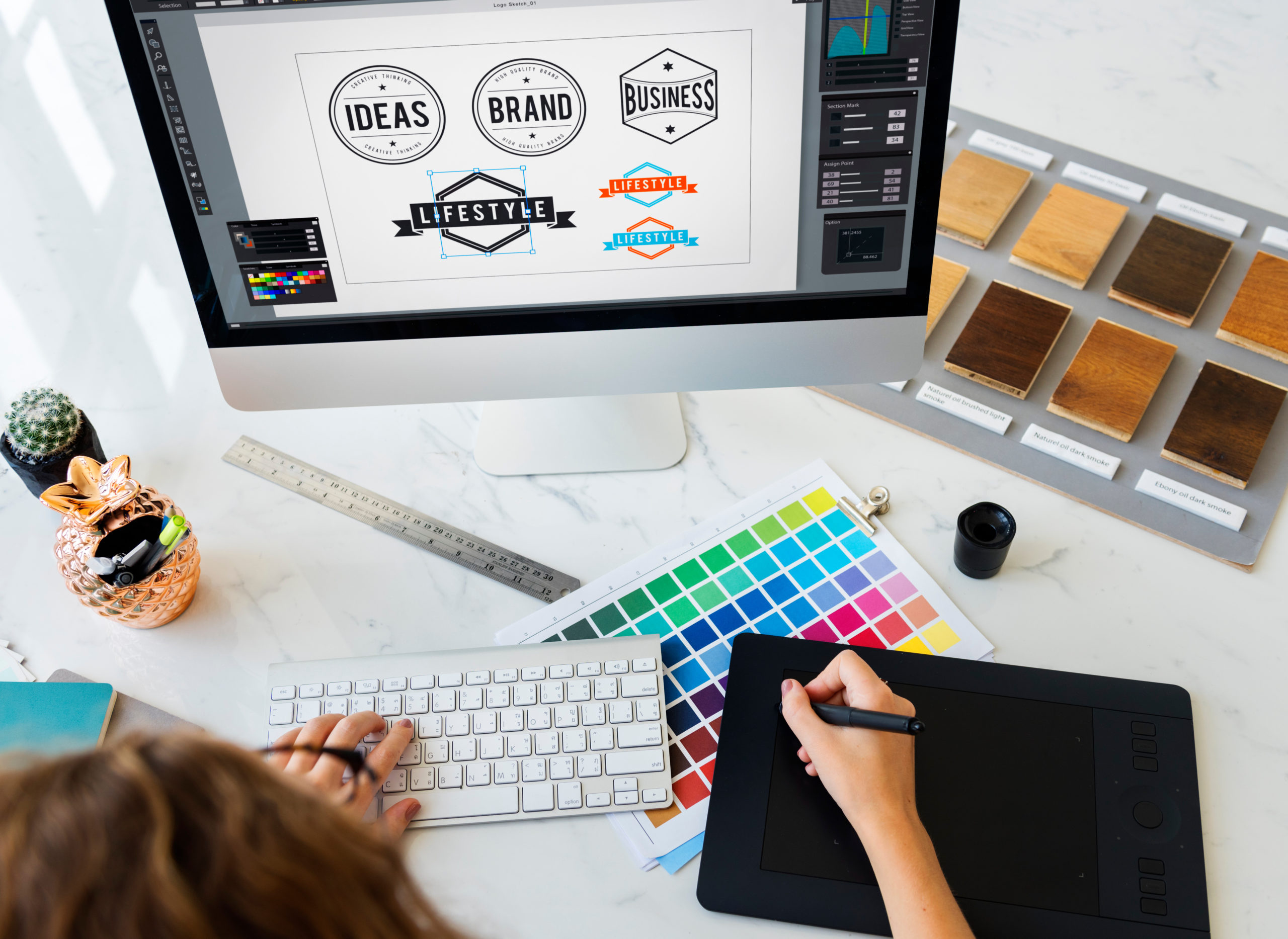

Artificial intelligence has revolutionized the world of design. Whether you’re a small business owner, marketer, or creative beginner, AI design tools can help you create professional-quality visuals in seconds — from logos and banners to websites and product mockups .
Here’s how to use AI for design in 2025 — even if you’ve never used Photoshop before.
Step 1: Choose the Right AI Design Tool
There are several AI-powered platforms that make design easy and fast:
| Canva with Magic Design | Social media graphics, presentations, flyers |
| Adobe Firefly | Professional-grade images, vector art, and effects |
| DALL·E / Bing Image Creator | Generating custom images from text prompts |
| MidJourney (via Discord) | High-quality, artistic visuals and concept designs |
| Figma with AI Plugins | UI/UX design and wireframing with smart suggestions |
Most offer free versions — try a few to see which works best for your needs.
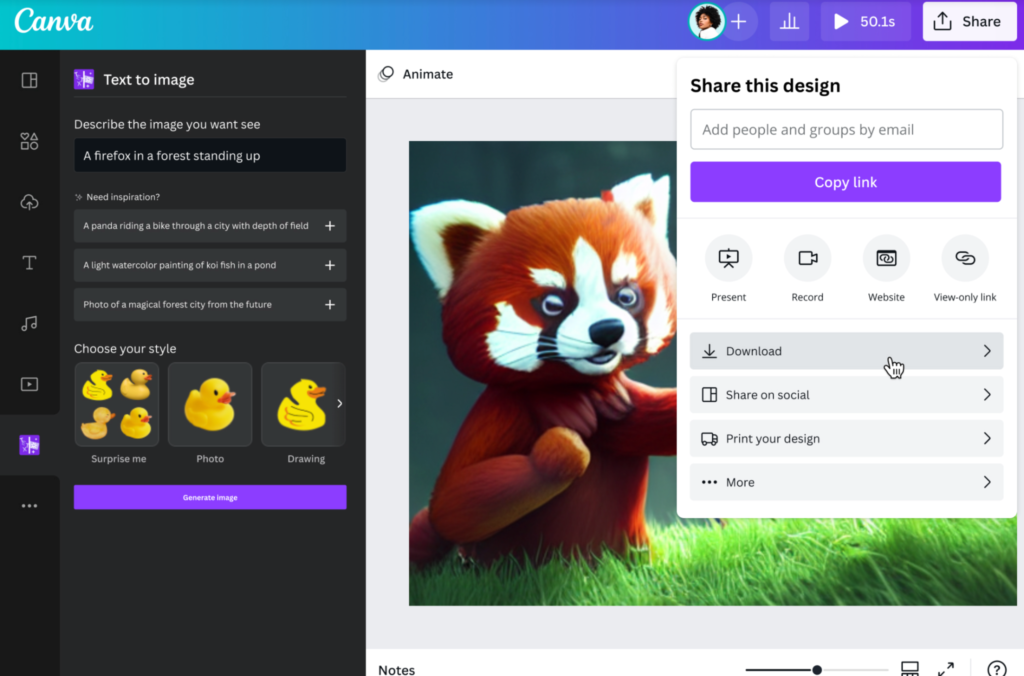
Step 2: Generate Designs Using Text Prompts
The core feature of AI design is prompt-based creation — you describe what you want, and the AI builds it.
Example Prompts:
“Create a tech startup logo with a futuristic look.”
“Design a Instagram post for a coffee shop opening.”
“Generate a minimalist website layout for a personal blog.”
Use clear language, include keywords like color schemes, style (e.g., vintage, modern), and specific elements (e.g., icons, fonts).
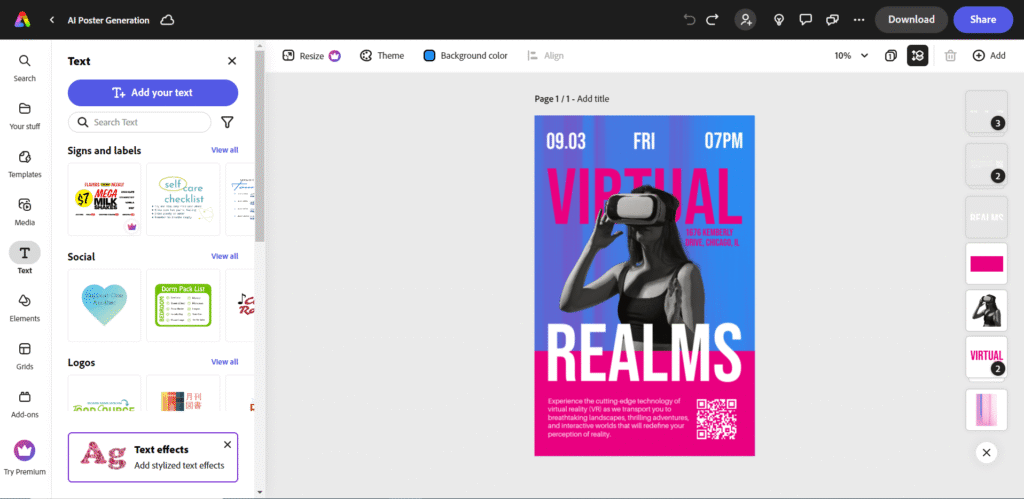
Step 3: Customize Your AI-Generated Designs
Once the AI creates a base design, you can personalize it:
- Adjust colors, fonts, and layout
- Add your own images or text
- Resize for different platforms (Instagram, Facebook, Pinterest)
- Export in multiple formats (PNG, JPEG, PDF)
Tools like Canva and Figma let you tweak every detail — no coding or design skills needed.
Step 4: Use AI for Advanced Design Tasks
Beyond basic visuals, AI can help with more complex design workflows:
- Background Removal – Automatically remove or change backgrounds in photos
- Image Upscaling – Enhance low-resolution images to high quality
- Style Transfer – Apply artistic filters or transform photos into sketches, paintings, etc.
- Smart Layout Suggestions – Get layout ideas based on your content
These features save time and improve the overall quality of your visuals.
Tips for Best Results with AI Design Tools
- Start with simple prompts and refine as needed
- Combine AI-generated visuals with your own branding (colors, fonts, logos)
- Save templates for future use
- Use royalty-free assets to avoid copyright issues
- Always review and edit AI output before publishing
FAQs: Frequently Asked Questions About Using AI for Design
Q1: Do I need design experience to use AI design tools?
No! Most AI design platforms are built for beginners with drag-and-drop interfaces and intuitive controls.
Q2: Can AI replace human designers?
Not completely. AI speeds up repetitive tasks and provides inspiration, but creativity, storytelling, and brand identity still require human input.
Q3: Are AI-generated designs copyright-free?
It depends on the tool. Some platforms (like Adobe Firefly and Canva Pro) offer commercial-use licenses, while others may have restrictions. Always check licensing terms before using AI-generated visuals for business purposes.