


TikTok has revolutionized short-form video content, and now AI effects are taking it to the next level. Whether you’re a beginner or seasoned creator, using AI-powered tools can help you produce eye-catching videos that stand out in your feed.
Here’s how to use AI effects on TikTok effectively in 2025.
Step 1: Open TikTok and Start Creating Content
- Open the TikTok app on your mobile device.
- Tap the “+” icon at the bottom center to start creating a new video.
- Choose whether to record a new clip or upload existing footage from your gallery.
Step 2: Access AI Effects During Editing
Once you’ve recorded or uploaded your video:
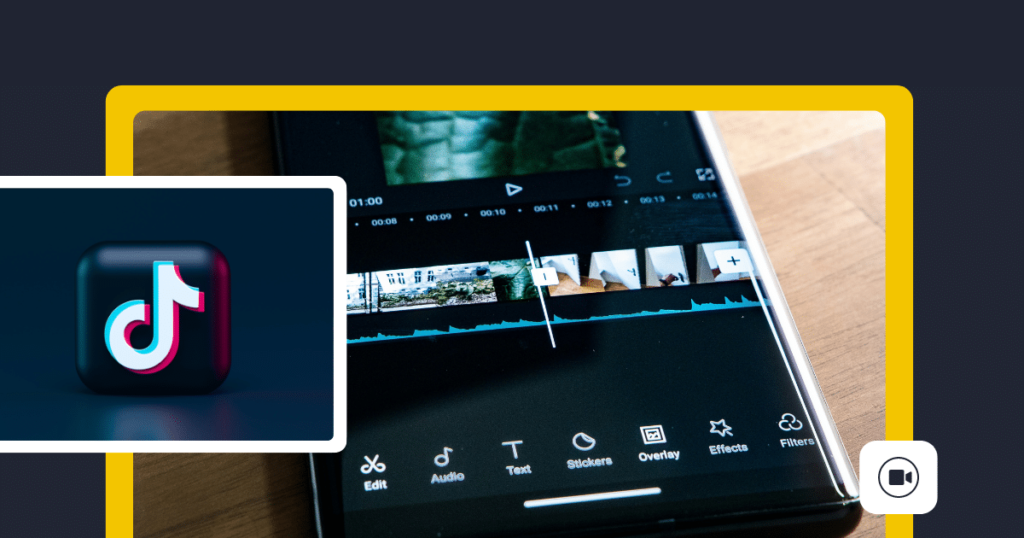
- Tap “Edit” after recording or uploading your video.
- Scroll through the editing options until you see “Effects” (or “Filters”).
- Tap “Effects” to explore AI-powered visual enhancements.
Step 3: Explore AI-Powered Filters and Effects
TikTok offers a wide range of AI effects, including:
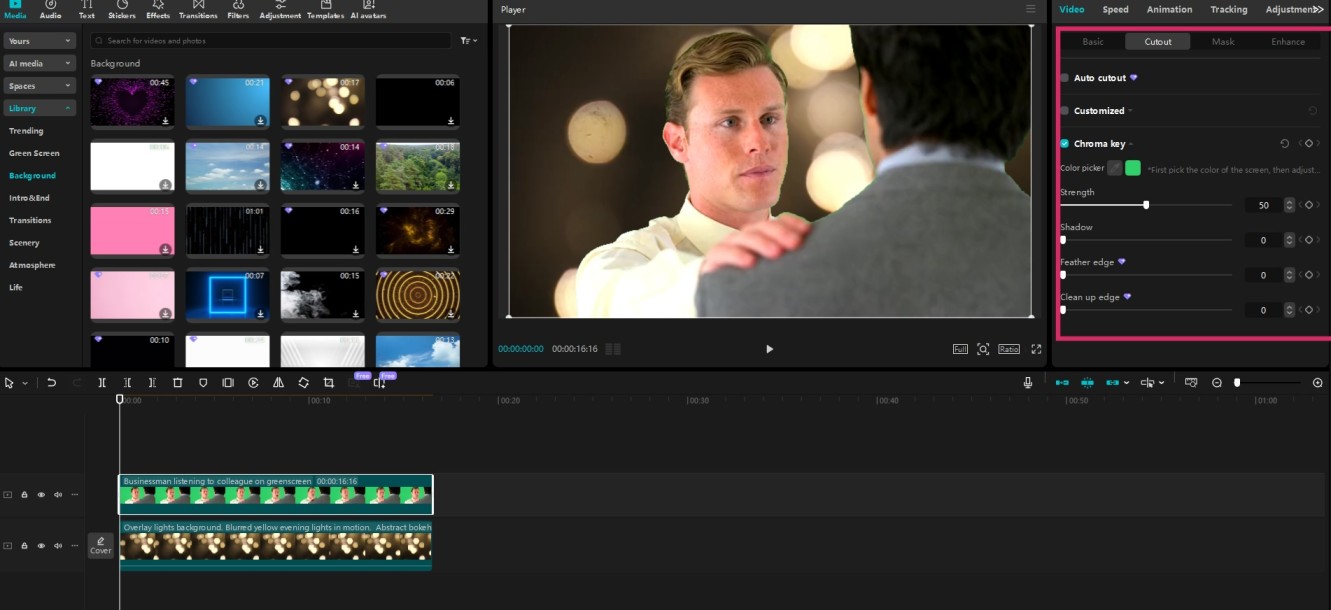
- Smart Background Removal : Automatically removes backgrounds for clean overlays.
- Face Swap : Replace your face with another person’s or even an animated character.
- Motion Tracking : Adds dynamic elements like floating text or animated objects that follow your movements.
- Stylized Filters : Applies artistic styles like cartoons, paintings, or vintage looks.
Example Effects:
- Background Eraser : Removes unwanted backgrounds seamlessly.
- Face Swap : Turns you into a famous character or celebrity.
- Text Animation : Adds moving text that follows your gestures.
Step 4: Apply AI Effects to Your Video
- Select an AI effect by tapping on it.
- Adjust settings if needed (e.g., intensity, color, or animation speed).
- Preview the effect to ensure it enhances your video without overpowering it.
You can stack multiple effects, but be mindful of overloading your video — simplicity often works best.
Step 5: Customize and Finalize Your Video
After applying AI effects:
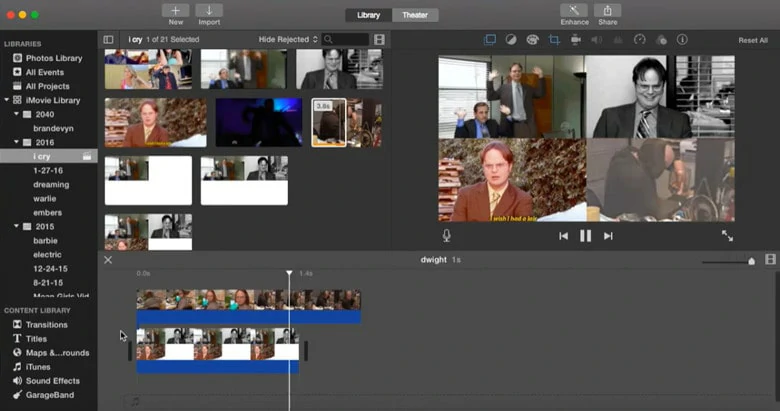
- Trim the video to keep only the best parts.
- Add music or sound effects to complement your visuals.
- Include captions or text overlays to enhance engagement.
- Review your video one last time before publishing.
Tips for Using AI Effects Ethically and Creatively
- Be Authentic : Use AI effects to enhance your content, not overshadow it.
- Respect Copyright : Avoid using copyrighted images or music unless you have permission.
- Engage Your Audience : Use AI effects to tell a story or convey emotion, not just for shock value.
- Experiment : Try different combinations of effects to find what works best for your style.
FAQs: Frequently Asked Questions About Using AI Effects on TikTok
Q1: Are AI effects free to use?
Most AI effects are available for free within the TikTok app. However, some premium effects may require a subscription to TikTok Creator Fund or similar programs.
Q2: Can I undo AI effects if I don’t like them?
Yes, you can remove or replace AI effects during the editing process. Just go back to the “Effects” section and adjust as needed.
Q3: Do AI effects work on pre-recorded videos?
Yes, you can apply AI effects to videos you’ve already recorded and saved to your device.