

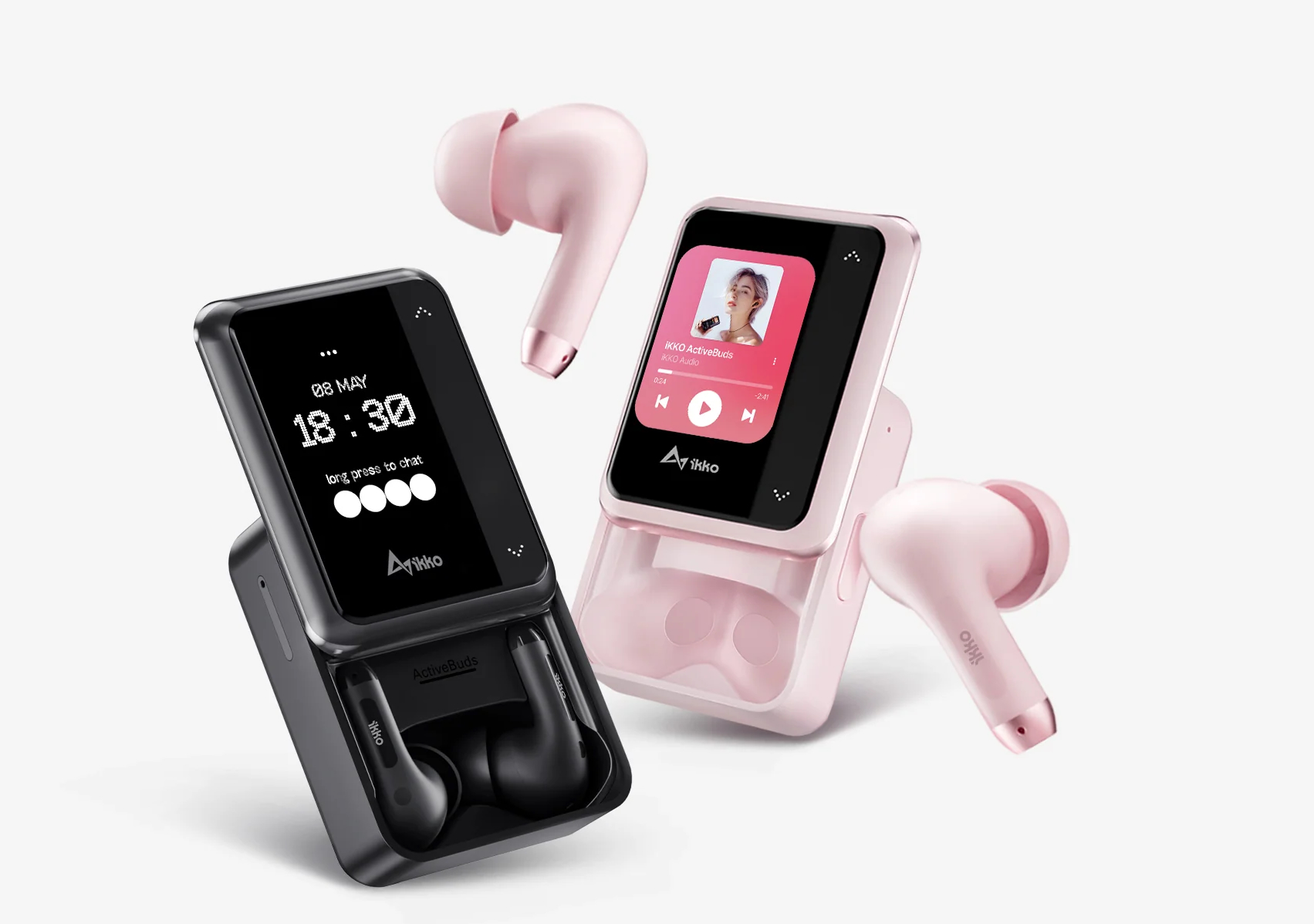

AI cool earbuds are the next evolution of wireless headphones — combining high-quality audio with artificial intelligence to offer smart features like real-time translation , voice assistance , health monitoring , and adaptive noise cancellation .
Whether you’re commuting, working out, or in a meeting, here’s how to make the most of your AI cool earbuds in 2025.
Getting Started with Your AI Earbuds
Before diving into advanced features, start by setting up your earbuds properly:
Step-by-Step:
- Charge the earbuds and case before first use.
- Pair them with your phone or device via Bluetooth (usually done automatically when opening the case).
- Download the official app (e.g., from the manufacturer’s website or app store).
- Enable AI features in the app settings — such as voice assistant integration, translation, or fitness tracking.
- Customize touch controls (tap, double-tap, hold) to activate AI functions quickly.
Key AI Features and How to Use Them
Modern AI earbuds come packed with intelligent tools. Here’s how to use them effectively:
1. Voice Assistant Integration
Use built-in support for Siri , Google Assistant , or Alexa to:
- Send messages
- Set reminders
- Make calls
- Control smart home devices
How to use: Tap the earbud twice to activate your voice assistant, then speak your command.

2. Real-Time Language Translation
Some AI earbuds offer live translation during conversations with people who speak different languages.
How to use:
- Open the companion app and enable “Translation Mode.”
- Speak normally — the earbuds will translate your words and play the response in real time.
- Great for travel, business meetings, and learning new languages.
3. Adaptive Noise Cancellation
AI analyzes your environment and adjusts noise cancellation levels accordingly.
How to use:
- Switch between modes like “Focus,” “Commute,” or “Outdoor” via the app or touch controls.
- The AI automatically blocks out background noise like traffic or chatter.

4. Health and Fitness Tracking
Some models include AI-powered sensors that monitor heart rate, steps, calories burned, and even posture.
How to use:
- Enable fitness tracking in the app.
- Start a workout — the AI gives you real-time feedback or post-workout summaries.
- Some models even provide coaching tips based on your performance.
5. Personalized Audio Experience
AI learns your music preferences and enhances sound quality tailored to your ears.
How to use:
- Let the AI analyze your listening habits over time.
- Enjoy automatically optimized EQ settings for different genres like jazz, rock, or podcasts.
Tips for Best Performance
- Keep your earbuds updated with the latest firmware through the companion app.
- Use both earbuds together for full AI functionality (some features may be limited with just one).
- Charge regularly to avoid losing access to AI features during critical moments.
- Explore hidden settings in the app — many AI features are optional and need to be turned on manually.
FAQs: Frequently Asked Questions About AI Cool Earbuds
Q1: Do I need a special phone to use AI earbuds?
Most AI earbuds work with both iOS and Android , though some advanced features may require a specific operating system version.
Q2: Can AI earbuds translate multiple languages?
Yes, popular models support dozens of languages , including English, Spanish, Mandarin, French, German, Japanese, and more.
Q3: Are AI earbuds safe to use for long periods?
Yes, but it’s recommended to take breaks to avoid ear fatigue. Also, keep volume at a healthy level to protect your hearing.