

1. Choose an AI Writing Tool
Best platforms to try:
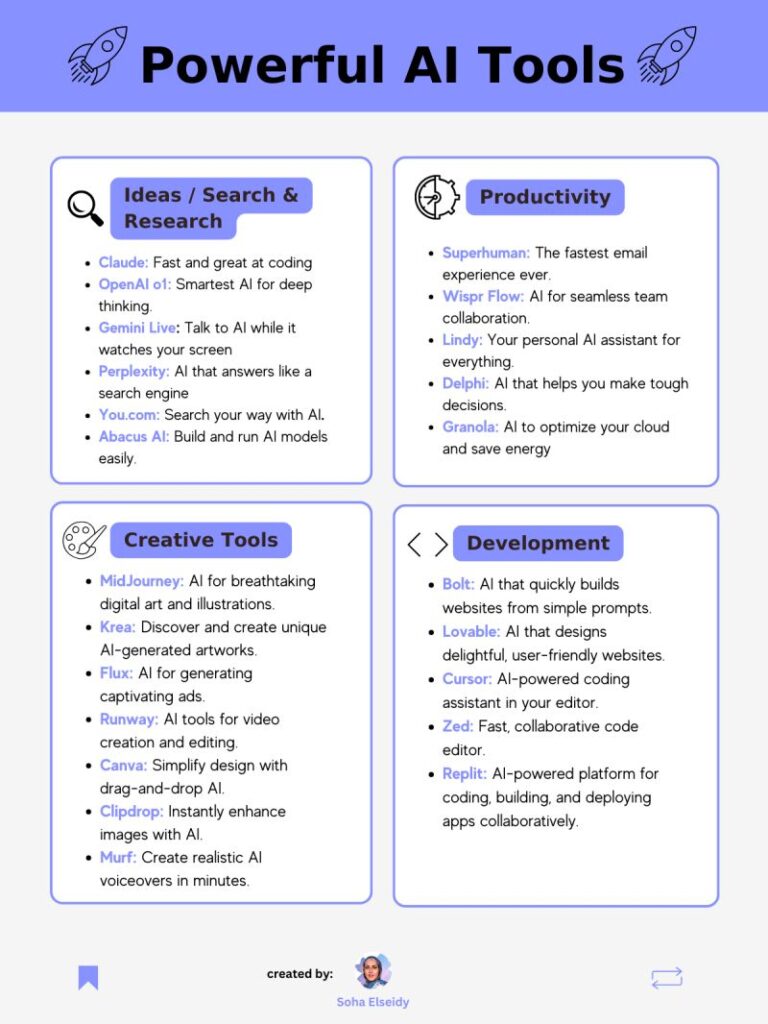
- ChatGPT (OpenAI) – chat.openai.com
- Google Gemini – gemini.google.com
- Bing Chat / Copilot – Built into Microsoft Edge
- YouChat / You.com – Free AI-powered writing assistant
- GrammarlyGo – Smart writing tool with built-in suggestions
📌 Tip: Many of these tools offer free versions—perfect for quick letter writing.

2. Provide a Clear Prompt to the AI
What it does:
The quality of your AI-generated letter depends on how clearly you explain what you need.
How to use it:
- Give AI enough context so it writes the right kind of letter.
- Example prompts:
- ❌ “Write me a letter.”
- ✅ “Write a job application letter for a marketing manager position at Google based on this resume.”
📝 Bonus: Paste in additional info like your resume or job description for better results.
3. Generate a Full Letter Draft
What it does:
Once you’ve given a detailed prompt, the AI will generate a full letter draft—from introduction to closing.
How to use it:
- Ask AI:”Write a cover letter introducing my background as a UX designer applying to a remote role.”
“Draft a thank-you letter after a job interview for a software developer position.”
“Help me write a formal request for a refund from Amazon.”
📌 Best for: Cover letters, recommendation requests, thank-you notes, and personal correspondence.
4. Improve Grammar, Tone & Style with AI Editors
What it does:
Use AI-powered editors to refine your letter before sending it.
How to use it:
- Try tools like:
- Grammarly – Checks spelling, tone, and clarity
- Hemingway Editor – Makes complex sentences easier to read
- Microsoft Word Editor – Gets smarter every update
💡 Tip: Use Grammarly’s “Tone Detector” to ensure your letter sounds confident, polite, or friendly—depending on the situation.
5. Personalize & Review the Output
What it does:
AI gives you a great starting point—but final touches make it truly yours.
How to use it:
- Add your name, contact info, and specific details like dates or company names.
- Make sure the tone reflects your personality or intent.
- Double-check accuracy and formatting before printing or sending.
📌 Best for: Making AI-generated letters feel authentic and tailored.
📝 Types of Letters You Can Write with AI
| Letter Type | AI Prompt Example |
|---|---|
| Cover Letter | “Write a cover letter for a project manager applying to a startup role.” |
| Thank-You Note | “Write a thank-you letter to my mentor for career advice.” |
| Formal Request | “Compose a letter requesting a deadline extension for a college assignment.” |
| Complaint Letter | “Write a formal complaint about delayed shipping from an online store.” |
| Recommendation Letter | “Help me write a recommendation letter for my student applying to law school.” |
📝 Tip: Always tailor the output to match your voice and goal.
🚀 Final Tips for Using AI to Write Letters
- Start with a clear idea of what you want the letter to accomplish.
- Combine AI suggestions with your own knowledge and emotions.
- Avoid copying and pasting without understanding the content.
- Be ethical—don’t pass off AI work as entirely your own unless allowed.
- Practice regularly—prompt writing is a skill that improves over time.
❓ Frequently Asked Questions (FAQs)
Q1: Do I need technical skills to use AI to write a letter?
A: No! Most AI writing tools are designed for beginners and require no coding or advanced knowledge.
Q2: Are there completely free AI tools for letter writing?
A: Yes! Platforms like ChatGPT (Free Tier) , Google Gemini , Grammarly Free , and YouChat offer powerful features at zero cost.
Q3: Can AI help me write a letter in another language?
A: Absolutely! AI tools like Gemini , ChatGPT , and DeepL can translate and even write letters in multiple languages with native-like fluency.
Want more tips on using AI to write letters, emails, and other documents? Subscribe to our newsletter and get weekly updates delivered straight to your inbox!