
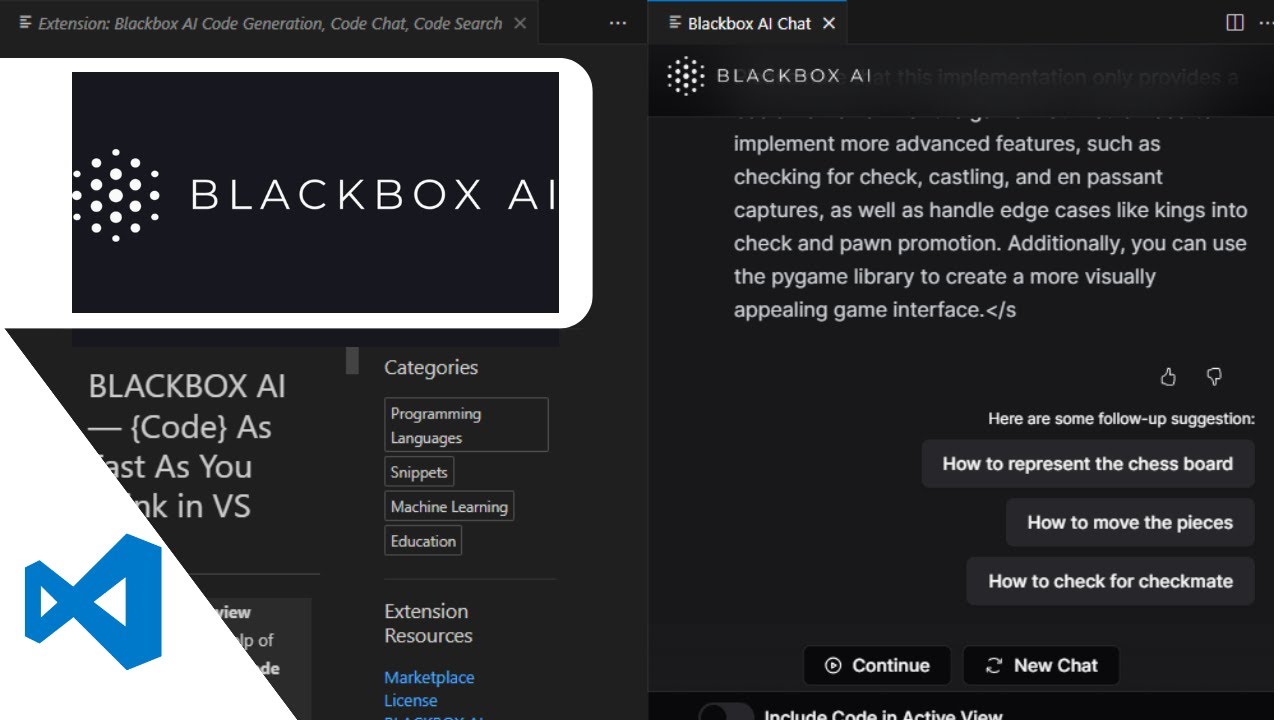

Blackbox AI is a powerful AI assistant designed specifically for developers. With its integration into Visual Studio Code (VS Code) , you can now get real-time code suggestions, explanations, and auto-completion directly in your editor.
1. Install the Blackbox AI Extension
Step-by-Step:
- Open Visual Studio Code
- Go to the Extensions tab (
Ctrl + Shift + X) - Search for “Blackbox AI”
- Click Install
- Sign up or log in using your GitHub account
Once installed, you’ll see a floating chat window and inline suggestion panel that activates as you type or select code.
2. Get Instant Code Suggestions
As you write code, Blackbox AI analyzes your context and offers:
- Auto-complete suggestions
- Full function generation
- Language translation (e.g., Python to JavaScript)
- Bug detection and fixes
Tip: Highlight a comment like
// Create a function to validate an emailand click “Ask Blackbox” to generate full code.
3. Use Blackbox Chat for Debugging & Learning
Blackbox includes a built-in AI chat where you can:
- Ask for code explanations
- Request debugging help
- Learn best practices
- Compare different coding approaches
Just open the Blackbox sidebar , type your question, and get instant responses tailored to your codebase.
Final Thoughts
Using Blackbox AI in VS Code can drastically reduce development time, improve code quality, and help you learn faster. Whether you’re a beginner or an experienced developer, this tool is a game-changer when it comes to writing smarter code.
Ready to try it out? Install the Blackbox AI extension today and experience the future of coding.
Frequently Asked Questions (FAQs)
Q: Is Blackbox AI free to use in VS Code?
A: Yes, Blackbox AI offers a free plan with core features. Premium plans are available for advanced capabilities and team use.
Q: What languages does Blackbox AI support in VS Code?
A: It supports most programming languages including JavaScript, Python, Java, C++, TypeScript, PHP, and more.
Q: Can I use Blackbox AI offline?
A: No — Blackbox AI requires an internet connection to communicate with its AI models.